

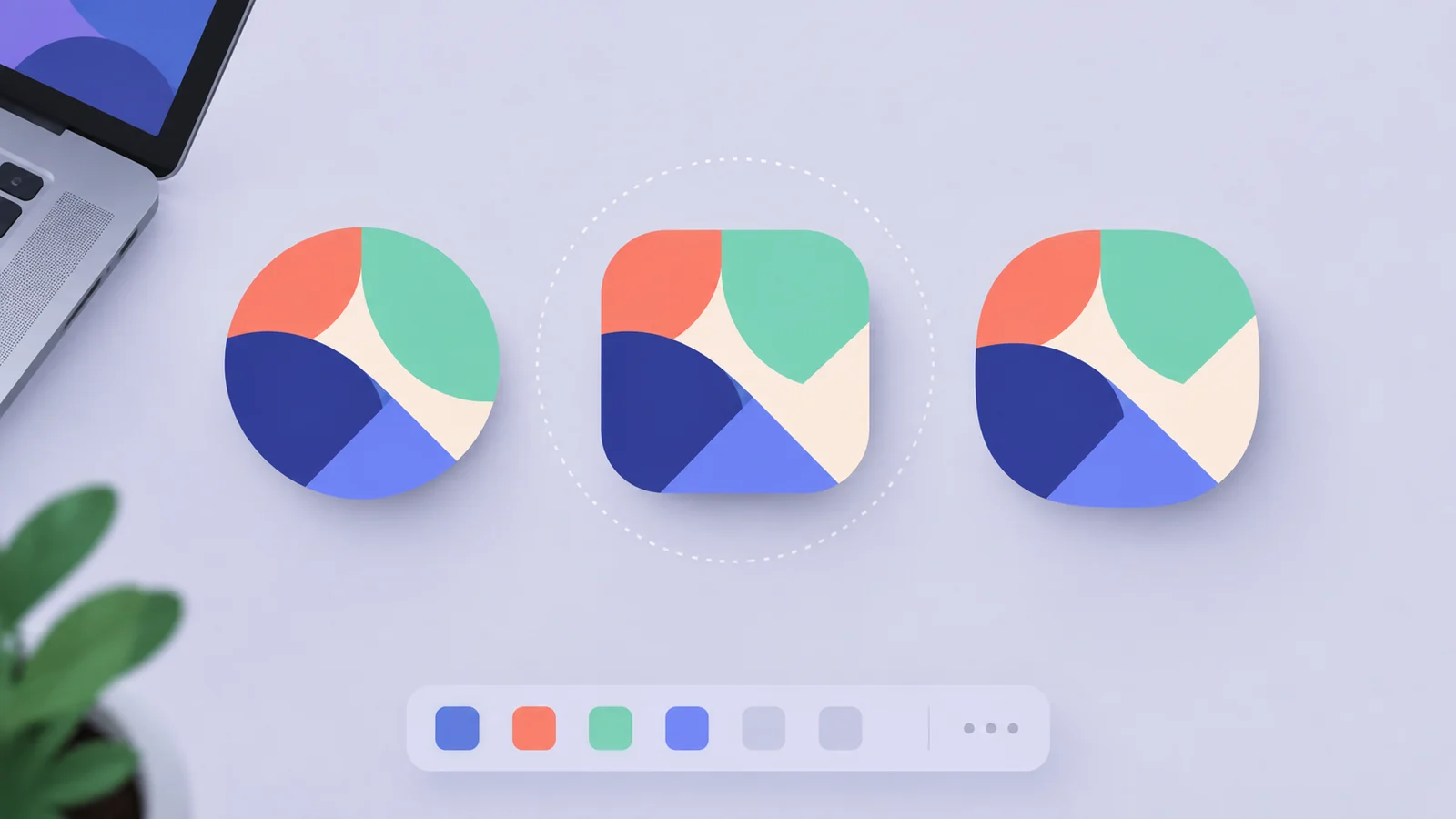
A progressive web app (PWA) needs at least a 192 × 192 px and a 512 × 512 px PNG icon in the icons array of its web app manifest, plus a separate maskable icon with its artwork inside the central 80% of the image. web.dev says Chromium requires the first two, and that Chrome scales them to fit the device. The PWA app icon isn’t the same as the favicon in the browser tab, so you may need both.
This guide covers the sizes, a working manifest, how maskable icons work, how to make the files and how to check them.
What icon sizes does a PWA need?
A PWA needs a 192 × 192 px icon and a 512 × 512 px icon at minimum. web.dev’s guide to adding a web app manifest says that for Chromium you must provide at least those two sizes, and that if you provide only those, Chrome scales them to fit the device. If you’d rather scale your own icons, it suggests increments of 48dp. It also says Chrome builds the splash screen from your app name, background_color and icons, and that 192 and 512 px are enough for most cases.
| Icon | Size | What it’s for |
|---|---|---|
| Standard icon | 192 × 192 px PNG | Required by Chromium; home screen and app launcher |
| Standard icon | 512 × 512 px PNG | Required by Chromium; splash screen and large placements |
| Maskable icon | 512 × 512 px PNG | Adaptive icon shapes on Android; opaque background, safe-zone art |
| Apple touch icon | 180 × 180 px PNG | iPhone and iPad Home Screens (a separate <link>, not the manifest) |
| Favicon | 16, 32 and 48 px | The browser tab; not part of the manifest |
MDN’s page on defining your app icons adds that your source image should be at least 1,024 × 1,024 px, or a vector, because that’s the largest size an icon may be shown at, and that its example manifest lists 72, 128, 144, 192 and 512 px icons. Operating systems use different sizes in different places, and MDN advises testing on the devices you care about. Our favicon sizes guide covers the tab icon, and our app icon sizes guide covers native apps.
What does a working PWA manifest look like?
A working PWA manifest is a JSON file with a name, a start_url, a display mode, colours and an icons array of objects that each have src, sizes, type and optionally purpose. web.dev says start_url is required, and that name is used when the app is installed. Here’s a complete example with the three icons above:
{
  "name": "Rocket Launcher",
  "short_name": "Launcher",
  "start_url": "/",
  "display": "standalone",
  "background_color": "#754ebb",
  "theme_color": "#754ebb",
  "icons": [
    {
      "src": "/icons/icon-192.png",
      "sizes": "192x192",
      "type": "image/png"
    },
    {
      "src": "/icons/icon-512.png",
      "sizes": "512x512",
      "type": "image/png"
    },
    {
      "src": "/icons/icon-512-maskable.png",
      "sizes": "512x512",
      "type": "image/png",
      "purpose": "maskable"
    }
  ]
}
Save it as manifest.json or site.webmanifest and link it from every page with <link rel="manifest" href="/site.webmanifest" />. Make background_color match your app’s first screen so the splash screen hands over smoothly, as web.dev advises.

What is a maskable icon?
A maskable icon is an adaptive icon for PWAs: an opaque image with padding that the operating system crops to its own shape, such as a circle. web.dev’s article on maskable icons says that without one, a transparent PWA icon appears inside a white circle on Android, while a maskable icon fills the whole circle.
The important parts of the icon must sit inside a safe zone. web.dev defines the minimum safe zone as a circle in the centre whose radius is 40% of the icon’s width, and says the outer 10% might be cropped. MDN words it as a circle whose diameter is 80% of the icon’s smaller side. Both give the same circle. MDN also says to give a maskable icon an opaque background colour that fills the whole area.
In AI Icon Creator’s test, we took a rocket icon whose nose and tail fin reach near the edges, and prepared it two ways: full-bleed, and scaled to 80% on a solid purple background. We then masked both as a circle, a squircle and a rounded square. In the full-bleed version, 6.1% of the artwork pixels lay outside the 80% safe circle, and the nose and tail fin touched the edge of the circular mask. In the 80% version, none did. The masks are our own approximations of typical shapes, not a test on a real device.

Should one icon be both “any” and “maskable”?
Make the maskable icon a separate file with its own manifest entry. The purpose field defaults to any, and web.dev’s maskable article says you can set "any maskable" so one file serves both, but warns against it, because a maskable icon used as an any icon adds padding that makes the artwork smaller. It recommends designing any icons like favicons, with transparent regions and no extra padding. web.dev’s manifest guide mentions "purpose": "any maskable" in one place, so its own pages differ. Two entries, one per purpose, avoids the question.
How do you make the PWA icon files?
To make the PWA icon files, start from one large square image, export the 192 and 512 px PNGs, and build a maskable 512 px version with the art at 80% on a solid colour. On a Mac, sips makes the two standard sizes:
sips -z 192 192 icon.png --out icons/icon-192.png
sips -z 512 512 icon.png --out icons/icon-512.png
We ran these on a 1,254 px icon and got PNGs of exactly 192 and 512 px. The maskable file needs a canvas colour behind the art. This Pillow script reads the colour from the icon’s corner, shrinks the art to 80% and centres it:
from PIL import Image

src = Image.open("icon.png").convert("RGB")
bg = src.getpixel((3, 3))
art = src.resize((410, 410), Image.LANCZOS)
canvas = Image.new("RGB", (512, 512), bg)
canvas.paste(art, (51, 51))
canvas.save("icons/icon-512-maskable.png")
This works for a symbol on a solid tile. If your artwork bleeds off the canvas, for example a character with wings that are cut off at the edge, shrinking it won’t restore what was cut. Redraw it with room around the edges instead.
Our free favicon converter builds a set for you in the browser. Its pack includes android-chrome-192x192.png and android-chrome-512x512.png, a maskable-512x512.png with the art at 80% on a solid colour, a 180 px Apple touch icon, favicon.ico, the PNG favicons, a site.webmanifest that lists the three PWA icons with the maskable one marked, and the <head> tags. You fill in name and short_name; start_url is already set to /, which web.dev lists as required, so change it only if your app should open on another page.
Building a native app too? Our free app icon resizer makes the iOS and Android icons from the same 1,024 × 1,024 px image and puts the web icons in the same ZIP.
If you don’t have an icon yet, try one:
Keep the symbol simple, because PWA icons are shown small in places such as the taskbar. Our guide to keeping an icon legible at small sizes has a checklist, and our guide to Android adaptive icons explains the same safe-zone idea for native apps.
How do you check your PWA icons?
You check PWA icons in Chrome DevTools: open your app, then open the Application panel and its Icons section. web.dev says that section has an option to show only the minimum safe area for maskable icons, which trims each icon to the safe zone. If your logo is still visible, the icon is ready. web.dev and MDN also point to Maskable.app, a free tool that previews an icon in different shapes and sizes.
Then install the app on a real device and look at the Home Screen or launcher, because operating systems may change the shapes and sizes they use over time.
Frequently asked questions
What size should PWA icons be?
PWA icons should be at least 192 × 192 px and 512 × 512 px PNG files, according to web.dev, which says Chromium requires both and scales them to fit the device. Add a separate 512 × 512 px maskable icon with the artwork inside the central 80% on an opaque background, so Android can crop it to its own shape.
What is the difference between a PWA icon and a favicon?
A PWA icon is the app icon shown on a home screen, launcher, taskbar or splash screen after install, while a favicon is the small image in the browser tab. MDN says a PWA can have both. The PWA icons are listed in the web app manifest, and the favicon is set with a <link rel="icon"> tag.
Do I need a maskable icon for my PWA?
You need a maskable icon if you want your PWA to look right on systems that apply a mask, such as Android with circular icons. web.dev says a transparent icon without it appears inside a white circle. Keep the artwork in the central safe zone, fill the background with a solid colour, and set "purpose": "maskable" on its own manifest entry.
Can I use an SVG for a PWA icon?
You can use an SVG for a PWA icon in Chromium-based browsers, but you should also provide PNG icons. web.dev says Chromium supports SVG icons that scale to any size, and that they stay as they were at install time rather than updating live, so it says to always give a raster fallback. MDN also advises PNG versions to support every system.
How do I generate PWA icons for free?
To generate PWA icons for free, start from one large square image and export 192 and 512 px PNGs plus a maskable 512 px version. You can do it with sips and a short Pillow script, or use AI Icon Creator’s free favicon converter, which builds the icons, a site.webmanifest and the head tags in your browser.
Ready to make your PWA icon?