
Turn a photo into an app icon with AI
Upload a picture or logo, say in one line what it shows, pick an icon style, and get a brand-new app icon of the same subject.
Choose an icon style
Try an example
How to turn a picture into an icon
The picture only identifies the subject. Colours, rendering and composition all come from the style you pick, so you get a brand-new 1:1 icon.
- 01
Upload a clear source image
Add one JPG, PNG, or WebP. A clear subject and a well-exposed image give the model more useful detail to work with.
- 02
Name the subject and pick an icon style
Say in one line what the picture shows, then pick one of 11 icon styles. The style decides how it is drawn; the picture decides what is drawn.
- 03
Run the tool and download
Start the edit, compare the before and after, then download the finished image or find it later in My icons.
The other tools
Continue editing the same image with another focused AI tool.
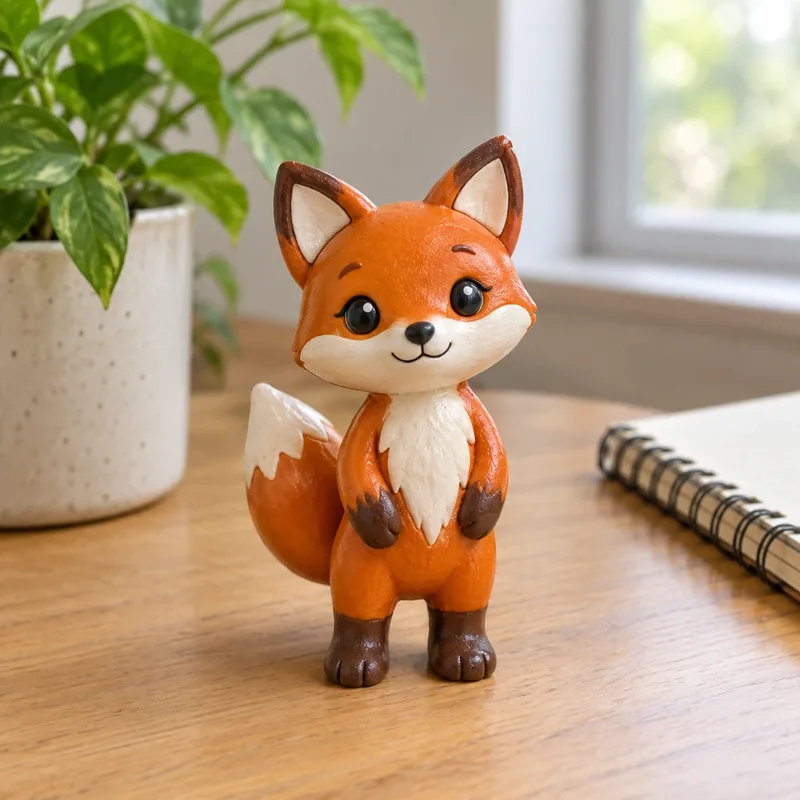
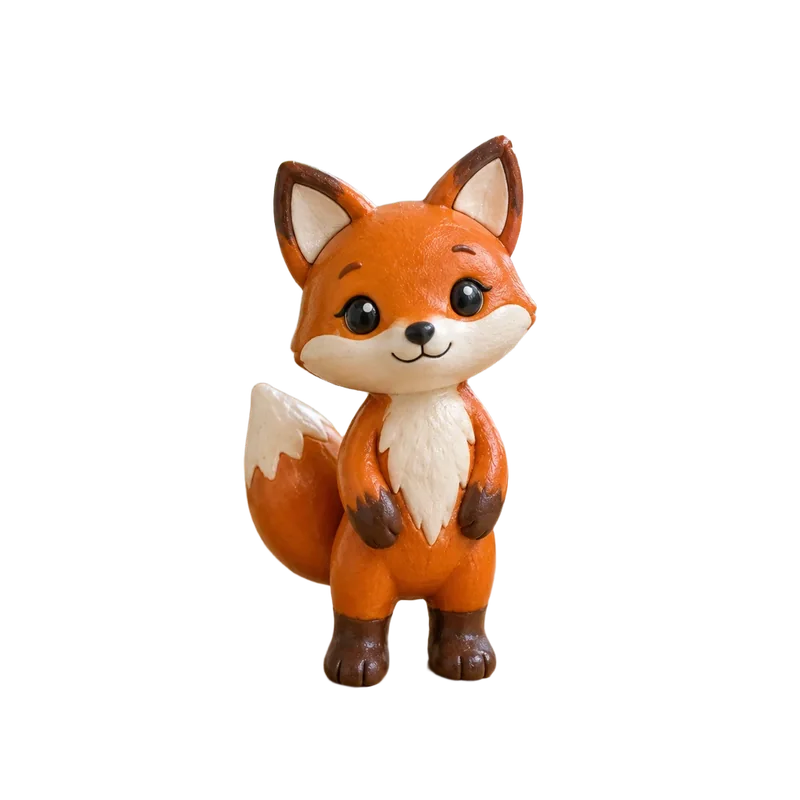

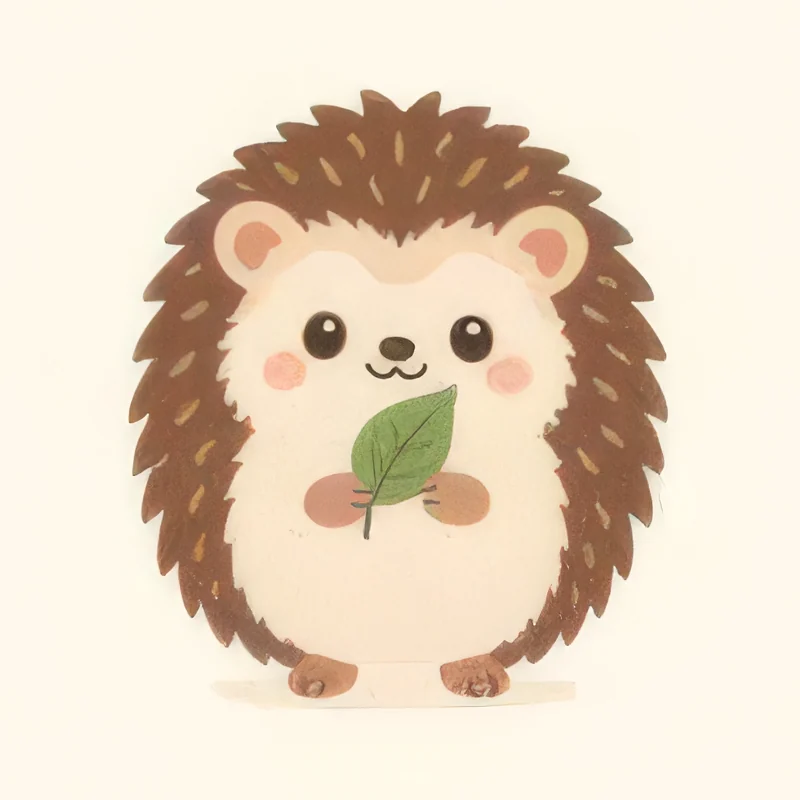
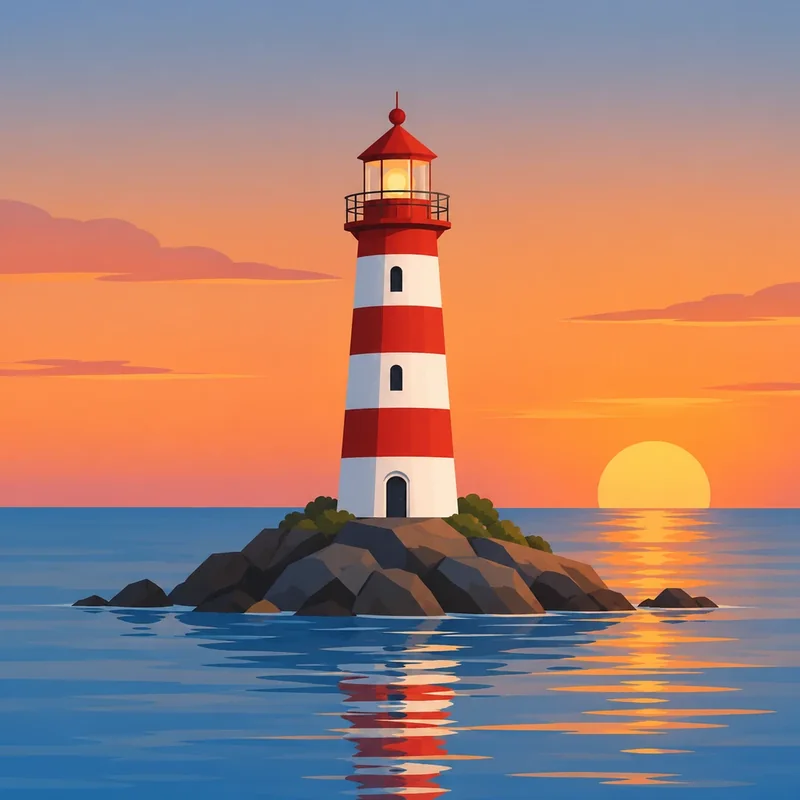

Image to icon FAQ
What the picture is used for, which styles are available, credits and how uploads are handled.
How does the icon relate to my picture?
The picture only identifies the subject: its shape, proportions and recognisable features. Colours, lighting, rendering and composition all follow the style you choose, so you get a brand-new icon rather than a filtered photo.
Which styles can I use?
11 icon styles, including Clean flat, Clay 3D, Geometric expression and Coloured frosted glass. Once a picture is added, only these styles are listed.
Why do I still write a subject?
One line helps pin down what to draw, especially for logos, sketches or pictures with several objects. The more specific it is (e.g. "over-ear headphones"), the steadier the result.
How many credits does it cost?
The price is shown on the generate button. Credits are refunded automatically if generation fails.
What happens to the picture I upload?
It is used only for your generation, kept in your account, and never added to the public gallery.
What if I do not like the result?
Keep the same picture and subject, and generate again in another style or at Detailed. Every result is saved to My icons.
Turn your picture into an app icon
Upload a photo, sketch or logo, pick a style, and get a new icon of the same subject in minutes.