

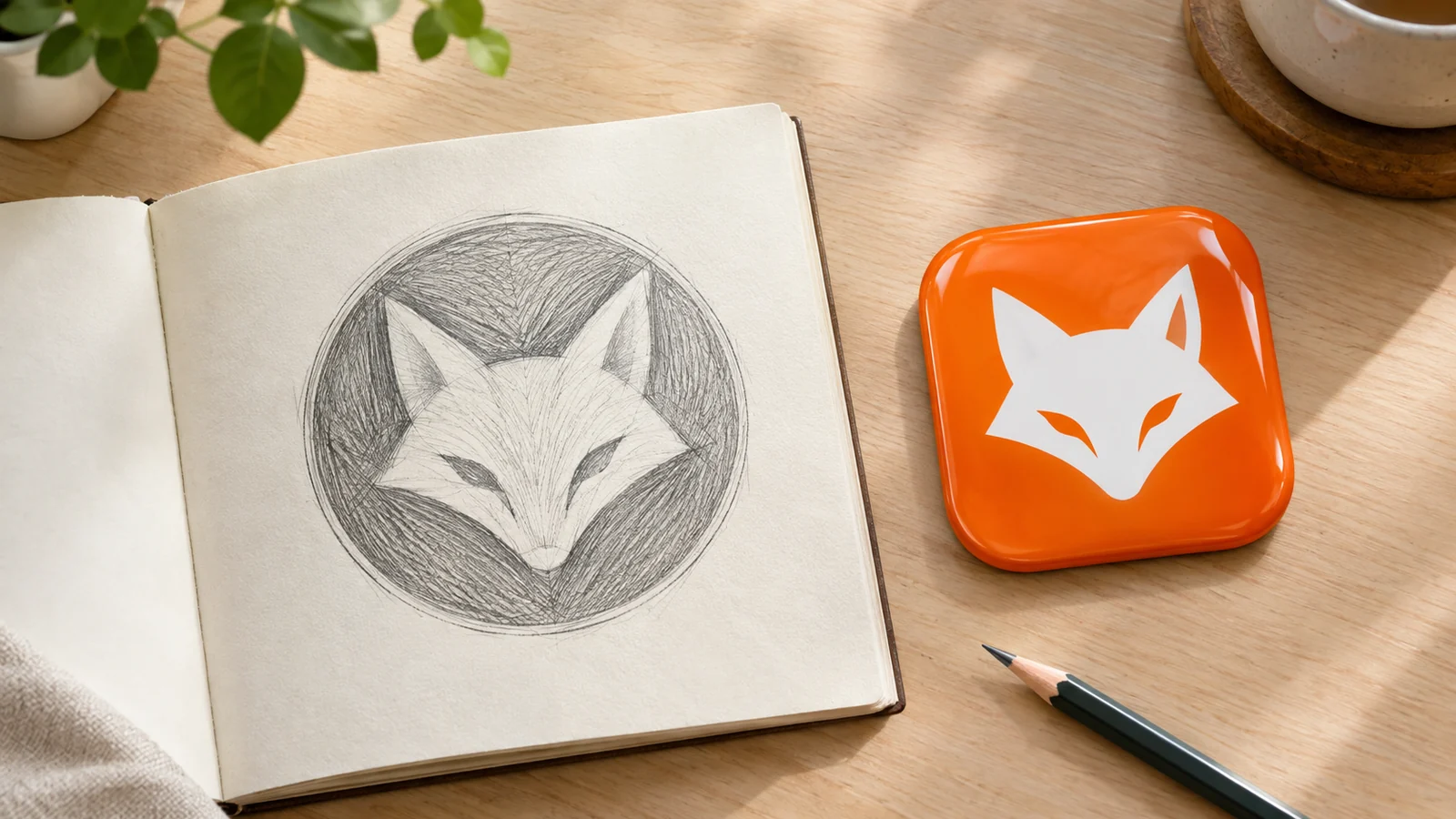
To turn a logo into an app icon, keep the one part that works on its own, drop every word, fill the square and check it at 29 pt. Which part that is depends on the kind of logo. In AI Icon Creator's test of five fictional logos, a wordmark, a letter, a symbol, a mascot and a crest, the whole logo in a square had 6% to 81% of its subject in parts thinner than 2 px at 29 pt. A hand-made mark or an AI redraw of the symbol alone had 0% to 2% for four of the logos, and the crest needed a redesign. The AI route kept every shape but did not reliably keep the colours.
This guide shows what each logo type needs, how the two routes compare, and how famous brands made the same move. The logos are fictional and made for this test, and the icons are our own, so nothing here reproduces a real brand's artwork except the small side-by-sides that are marked as such.
What changes when a logo becomes an app icon?
A logo is built for many places, and an app icon is built for one tiny square, so five things change: the shape, the words, the detail, the background and the size. Apple's guidelines for app icons say icons are square and the system applies the rounded corners, and that you should "include text only when it's essential" to your experience or brand.
| Part of the logo | In the logo | In the app icon |
|---|---|---|
| Shape | Any shape, often wide | A full-bleed square; the system rounds the corners |
| Words | Name, tagline, ring text | Usually none; the name sits under the icon anyway |
| Detail | Thin lines, small text, fine ornaments | Bold shapes that survive at 29 pt |
| Background | White or transparent | One colour or gradient that fills the whole square |
| Size | A website header, a printed card | 29 pt to 60 pt on a phone, 58 to 180 px |
Our guide to app logo design explains how a logo and an icon share one symbol. This guide is about the move itself, and about what happens when you let an AI do it.
How did we test five logo types?
We drew five fictional brands, one for each logo type, and turned each into an app icon four ways. The brands are Northwind, a wordmark with a tagline; Quill, a Q with the name; Orbit, a ring-and-dot symbol with the name and a tagline; Foxtrot, a fox mascot with the name; and Harbor Coffee, a round crest with ring text, a lighthouse and waves.
- Whole logo. The logo scaled into a square, which is what most people try first.
- Mark only, by hand. The symbol, the initial or the face alone, on a full-bleed colour square, about two thirds of the width.
- AI, Clean flat. We uploaded the logo to Image to icon, described only the symbol in one line, chose the Clean flat style and left the colours on Auto.
- AI, Glossy 3D. The same, in the Glossy 3D style.
We ran each AI route once per logo, ten generations in all, and kept the first result. For each icon we measured the share of the subject made of parts thinner than 2 px at 29 pt on a 2× screen, which is 58 px, the way we did in our study of what survives at 29 pt. In that study the median icon on a flat background had 1.0% thin parts, and the six that clearly lost small print or small marks had about 23%.

Our rules for tests and data studies, including how we use AI, are on how we test and update our content.
What happened to each logo type?
The whole logo lost every time, and the best route depended on the type. This table gives the thin share at 29 pt, which is the share of the subject in parts thinner than 2 px.
| Logo | Whole logo in a square | Mark by hand | AI, Clean flat |
|---|---|---|---|
| Wordmark (Northwind) | 12.8% | 2.1% | 2.0% |
| Letter (Quill) | 8.7% | 0.3% | 0.3% |
| Symbol (Orbit) | 32.0% | 0.0% | 0.0% |
| Mascot (Foxtrot) | 6.3% | 1.1% | 0.1% |
| Crest (Harbor Coffee) | 80.7% | 23.5% | 28.8% |

A wordmark: use its first letter
A wordmark cannot be an app icon, because its parts are letters, and letters are text. Northwind's name and tagline gave 12.8% thin parts, and the tagline was already a grey line. The fix was the initial: a bold lowercase n with the small star from the logo. By hand it had 2.1% thin parts, and the AI redraw, which we asked for "a bold lowercase letter n with a small four-point star", had 2.0%. Short names in a bold typeface can work as they are: in our study of the top 100 iPhone apps, words stayed readable at 29 pt when the letters were about 11% of the icon's height or more.
A letter: the mark is already there
A letter logo is the easiest to convert, because the letter is the icon. Quill's Q had 8.7% thin parts only because of the name under it. Without it, the hand-made and the AI versions had 0.3%. The AI route changed the purple to blue, which brings us to colour.
A symbol: drop the name and the tagline
A symbol logo also converts easily once the words go. Orbit's ring and dot looked small beside its name and tagline, and its whole-logo version had 32.0% thin parts. As a ring and a dot on a full square it had none.
A mascot: let the face fill the frame
A mascot works as an icon when its face fills the square. The fox survived every route, and the whole logo's only problem was the name under it (6.3% thin). The AI redraw kept the fox's shape almost exactly and changed the background to blue.
A crest: pick one element and make it bold
A crest is the failure case. Harbor Coffee's whole logo had 80.7% thin parts, and at 58 px the ring text, the dots and the wave lines were a grey ring. Cutting it down to the lighthouse and the waves, by hand or with AI, still left 23.5% and 28.8% thin parts, because the light rays and the wave lines were thin. A crest needs a redesign for the icon: one element, drawn with lines at least 2 px wide at 29 pt, which on a 1024 px canvas means about 35 px.
How does the AI route compare with doing it by hand?
By hand keeps your exact shapes and colours, and AI gives you a new rendering of the same subject. Image to icon uses your picture to recognise the subject, as our help article explains, and takes colour, lighting and drawing style from the style you choose. That matches what we saw: every AI icon kept its logo's shape, and the colours were hit and miss on Auto. Northwind's navy and amber survived, but Quill's purple became blue, Foxtrot gained a blue background, and Glossy 3D painted all five logos in the same blue.
- Use the hand route when the logo is your brand, with exact shapes and colours that people already know. You cut it down to one mark and place it on a colour field.
- Use the AI route when you want a richer rendering of a symbol, for a new brand or a new app, or when you have no vector file to cut down. Describe only the symbol, leave the words out, and try two styles.
- Set your colours if the brand matters. The studio's colour settings take a HEX value: Clean flat lets you choose the background and the subject colour, and Glossy 3D the symbol colour and the background tone.
- Check the result at 58 px. An AI icon can carry thin lines too, as the lighthouse's rays showed.
Only upload logos you have the right to use. Our help article on commercial use and copyright explains how the results are licensed.
How did famous brands make the move?
Seven well-known brands made the same moves our five test logos needed: they dropped the name, kept one mark, and filled the square. The logos below come from Wikimedia Commons and the app icons from the US App Store, and we show them small, as commentary. Trademarks belong to their owners.

- Spotify kept the circle with its three arcs and dropped the name. The icon is the circle on black.
- Netflix replaced its name with an initial. The icon is the red N on black.
- Airbnb kept the symbol, dropped the name and filled the square with a colour.
- McDonald's kept the arches and gave them a red field, since the logo has no background.
- Pinterest kept the P in its circle and dropped the name.
- Duolingo let the owl's face fill the square instead of the name.
- Uber kept its short name in a bold typeface. Its logo and its icon are the same word, set large.
In every case the part that carries the brand is big and the words are gone, unless the name is short and bold. That is the rule our hand-made marks followed. The one brand that kept its name, Uber, set four letters so large that they fill about 84% of the icon's width and 29% of its height, and in our study of what survives at 29 pt, letters about 11% of the icon's height or more stayed readable.
A six-step checklist
- Choose the one part that works alone: the symbol, the initial or the face. Cut everything else.
- Remove the words, unless they are short and bold, with letters about 11% of the icon's height or more.
- Fill the square. Aim for a mark 60% to 80% of the icon's width on a full-bleed colour.
- Thicken thin lines to at least 2 px at 29 pt, about 35 px on a 1024 px canvas.
- Keep your colours. Set them by HEX if you use AI.
- Look at 58 px and 87 px, on a light and a dark wallpaper, before you export. The free app icon resizer builds every size from one square image.
To see your own symbol in a few styles, describe it and compare:
Frequently asked questions
Can I use my logo as my app icon?
You can if the logo works without its words. A symbol, an initial or a mascot's face usually does; a wordmark, a tagline or a crest with ring text usually does not. In AI Icon Creator's test, the whole logo in a square had 6% to 81% thin parts at 29 pt, against 0% to 2% for the mark alone.
Should my app icon include my company name?
An app icon should include your name only if it is short, bold and large, and for most apps it should not. The name already appears under the icon, and Apple's guidelines say text in icons is often too small to read easily. In our study of the top 100 iPhone apps, 20 of 24 icons with words stayed readable at 29 pt, and the 4 that did not had small print.
Can AI turn my logo into an app icon without changing it?
No. Image to icon redraws the subject in the style you pick. In our test it kept every shape but did not reliably keep the colours on Auto, so set your brand colours by HEX value or use the hand route for an exact copy.
How big should my logo be inside the app icon?
Make the mark about 60% to 80% of the icon's width. In our study of the top 100 iPhone apps, the subject of icons with a flat background spanned a median 75% of the width. Keep it centred, because Apple's guidelines say the system's corner masking can truncate content near the edges.
Can I upload any logo to an AI icon tool?
Only logos you own or have permission to use. Check the tool's terms for how it treats uploads and results, and for who owns the output; ours are explained in our help article on commercial use and copyright.
Try it with your own idea, and check the result at 58 px: