

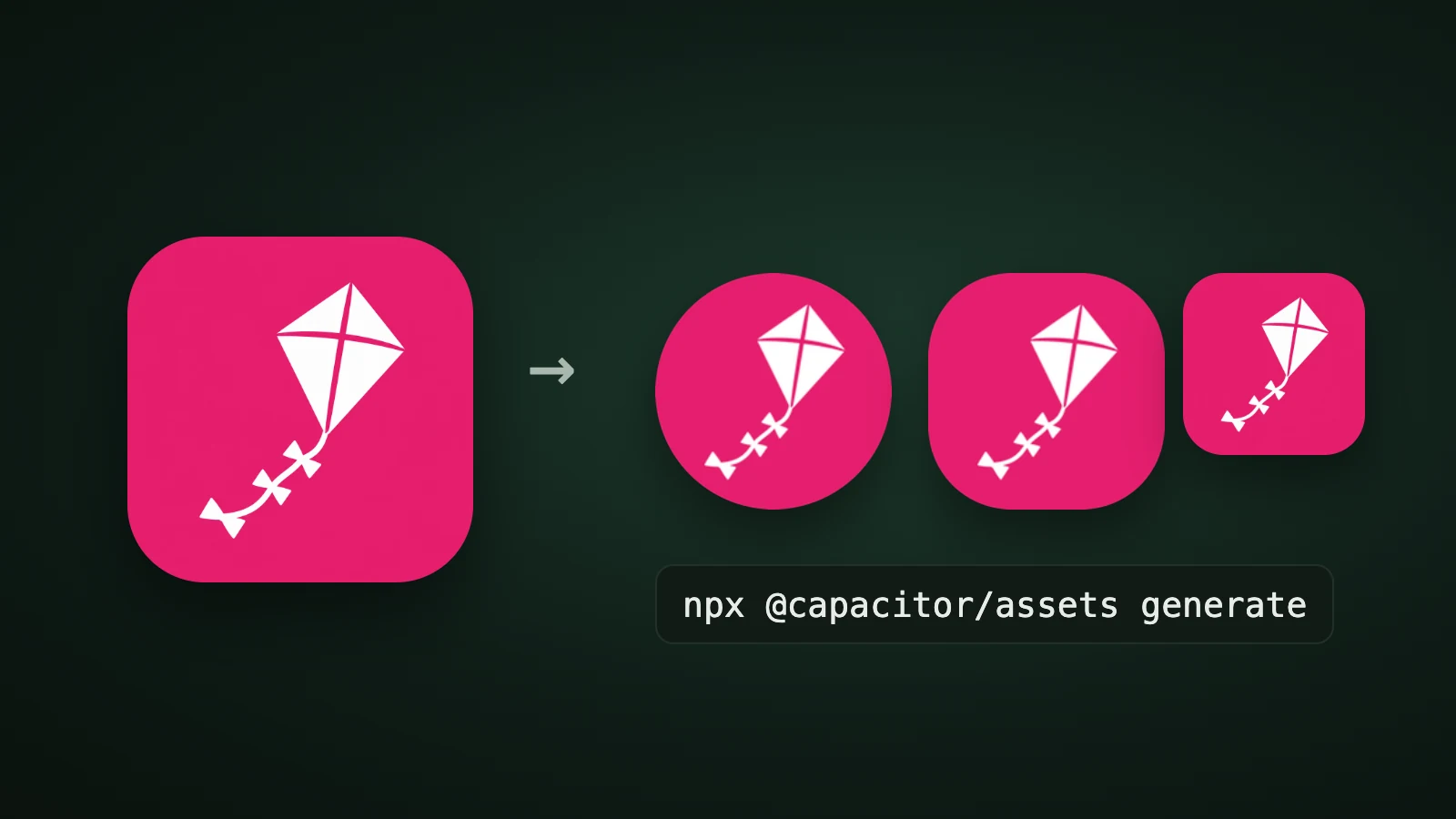
To set the app icon in an Ionic app that uses Capacitor, put a 1024 × 1024 px icon in an assets folder and run npx @capacitor/assets generate. The tool crops and resizes it into the iOS, Android and web icons your project needs. In AI Icon Creator's test with @capacitor/assets 3.0.5 in a new Capacitor project, three 1024 px source files produced 1 iOS icon, 24 Android PNGs plus 2 adaptive icon files, and 7 web icons. The old Cordova route, ionic cordova resources, is legacy.
This guide lists the source files and sizes, the commands, what the tool generates, what to check afterwards and how to make the source icon.
How do you set an app icon in an Ionic app?
To set an Ionic app icon, install @capacitor/assets, put your source images in an assets folder, run npx @capacitor/assets generate and sync your native projects. Ionic apps are built into native iOS and Android projects with Capacitor, and Capacitor's guide to splash screens and icons describes this tool. The @capacitor/assets README says it will crop and resize JPEG and PNG source images to generate icons and splash screens for iOS, Android and Progressive Web Apps.

-
Make one 1024 × 1024 px icon. A full square with no rounded corners and no text.
-
Put it in the
assetsfolder at the root of the project, using one of the layouts below. -
Install and run the tool:
npm install --save-dev @capacitor/assets npx @capacitor/assets generate -
Sync and open the native projects: run
npx cap sync, then open Xcode and Android Studio. -
Check the icon on a device, in the launcher, in dark mode and, if you ship a web app, in the web manifest.
Run the tool for one platform only with --ios, --android or --pwa. Using a platform flag makes the platform list exclusive, so --ios --android skips the web icons.
Which source files does Capacitor Assets need?
@capacitor/assets works in two modes: Easy Mode from a single logo, and Custom Mode from separate icon and splash files. Both expect an assets or resources folder in the project root, and the source images can be JPEG or PNG.
| Easy Mode | Custom Mode | |
|---|---|---|
| Icon source | logo.png or icon.png (SVG also works) | icon-only.png, icon-foreground.png, icon-background.png |
| Dark variant | Optional logo-dark.png | Not listed in the README for icons |
| Minimum size | The README doesn't state one; use 1024 × 1024 px | 1024 × 1024 px for each icon file |
| Splash screen | Made from the logo | splash.png and splash-dark.png, at least 2732 × 2732 px |
| Background colour | Set with flags such as --iconBackgroundColor | Comes from your background layer |
| Best for | The quickest result | A separate Android adaptive icon foreground and background |
In Easy Mode you set background colours with flags: --iconBackgroundColor for light mode (default #ffffff) and --iconBackgroundColorDark for dark mode where supported (default #111111). Our app icon sizes guide explains why 1024 px is the master size on every platform.
What does the command generate?
npx @capacitor/assets generate writes icons straight into your native projects and your web folder. AI Icon Creator ran it on a fresh Capacitor 8.5.2 project with iOS and Android added, using three 1024 px sources made from one icon: the full icon, its white foreground on transparent and its plain background.

- iOS: one file.
AppIcon-512@2x.png, 1024 × 1024 px, insideAssets.xcassets/AppIcon.appiconset, declared as a single universal icon. iOS makes every other size from it, as Apple's Xcode documentation describes. No dark or tinted iOS icon was produced. - Android: 24 PNGs and two XML files. Six densities (ldpi 36 px, mdpi 48, hdpi 72, xhdpi 96, xxhdpi 144, xxxhdpi 192), each with a launcher, round, foreground and background PNG. The tool prints 48 Android items because it writes the two adaptive icon XML files once per density; the unique files are the 24 PNGs and two XML files.
- Web: seven WebP icons at 48, 72, 96, 128, 192, 256 and 512 px, plus a web manifest that lists them.
How does the Android adaptive icon come out?
An Android adaptive icon is made of a foreground layer and a background layer, which the phone crops with its own mask: a circle, a squircle or a rounded square.

The tool builds a normal Android adaptive icon from your foreground and background files. Its ic_launcher.xml places both PNGs inside the layer with an inset of 16.7%, which is 18 dp of the 108 dp canvas on each side. That means your whole 1024 px image fills the roughly 72 dp visible area, and the phone's mask trims the corners.

In our run the kite sat well inside the circle, so nothing was cut off, but a subject that touches the corners of your foreground would be trimmed by a circular mask. Keep the subject away from the edges. Our guide to Android adaptive icons explains the safe zone.
What should you check after generating?
Check four things after the tool runs. They come from our test and from the tool's README:
- The web manifest. In our run, the manifest it wrote in
wwwlisted the icons asimage/pngalthough the files are WebP, and pointed to../icons/, outside the web folder. If you ship a progressive web app, fix the types and copy the icons into your web folder before you deploy. If you don't, generate only for--ios --android. - Dark mode. The README's
--iconBackgroundColorDarkflag sets the icon background for dark mode "where supported", and Easy Mode accepts alogo-dark.png. In our run, with Custom Mode sources, no dark icon files were written, so preview dark mode on a device. - The mask. Keep the subject inside the circle, as above.
- The native project. After
npx cap sync, open both projects and confirm the new icon replaced the default one.
To change the icon while the app is running, use the community plugin @capacitor-community/app-icon. Its README says the alternate icons must be included in the app bundle first, that on iOS it only changes the main icon on the Home Screen, and that on iOS the change is only allowed when the app is in the foreground.
What about Cordova and ionic cordova resources?
Older Ionic projects that use Cordova generated icons with ionic cordova resources or the cordova-res tool, which read resources/icon.png. Cordova support has been removed from @capacitor/assets as of 1.x, and its README recommends migrating to Capacitor. For a new project, use Capacitor.
How do you make the source icon?
To make the 1024 px source icon, generate one simple subject, choose a flat or clean style so the foreground separates easily, and check it at 32 px. Our step-by-step guide on how to make an app icon covers the process. In AI Icon Creator you can also download the app icon pack, which has an ios/AppIcon.appiconset folder and an android/res folder with launcher, round and foreground icons.
Frequently asked questions
How do I change the app icon in an Ionic app?
To change the app icon in an Ionic app that uses Capacitor, put a 1024 × 1024 px icon named icon-only.png, or logo.png for Easy Mode, in an assets folder, run npx @capacitor/assets generate, then npx cap sync. The tool writes the iOS, Android and web icons into your project.
What size should an Ionic app icon be?
An Ionic app icon source should be at least 1024 × 1024 px, according to the @capacitor/assets documentation, and a splash screen source at least 2732 × 2732 px. The tool then makes the smaller sizes. In our run it wrote one 1024 px iOS icon and Android icons from 36 to 192 px.
What is the difference between icon-only, icon-foreground and icon-background?
The icon-only.png file is the full square icon, while icon-foreground.png and icon-background.png are the two layers for Android's adaptive icon. All three should be at least 1024 × 1024 px. If you only have one image, use Easy Mode with a single logo.png and set the background colour with a flag.
Does Capacitor Assets make an Android adaptive icon?
@capacitor/assets makes an Android adaptive icon from your foreground and background files. In our run it wrote foreground and background PNGs for six densities and two XML files, which place both layers with a 16.7% inset. It also wrote plain launcher and round icons for older Android versions.
How do I make an Ionic app icon with AI?
To make an Ionic app icon with AI, describe one simple subject for your app, generate it in a few styles, choose the one that stays clearest at 32 px and export it at 1024 px. In AI Icon Creator you can compare styles side by side and download an icon pack for iOS, Android and web.
Ready to make the icon for your Ionic app?