

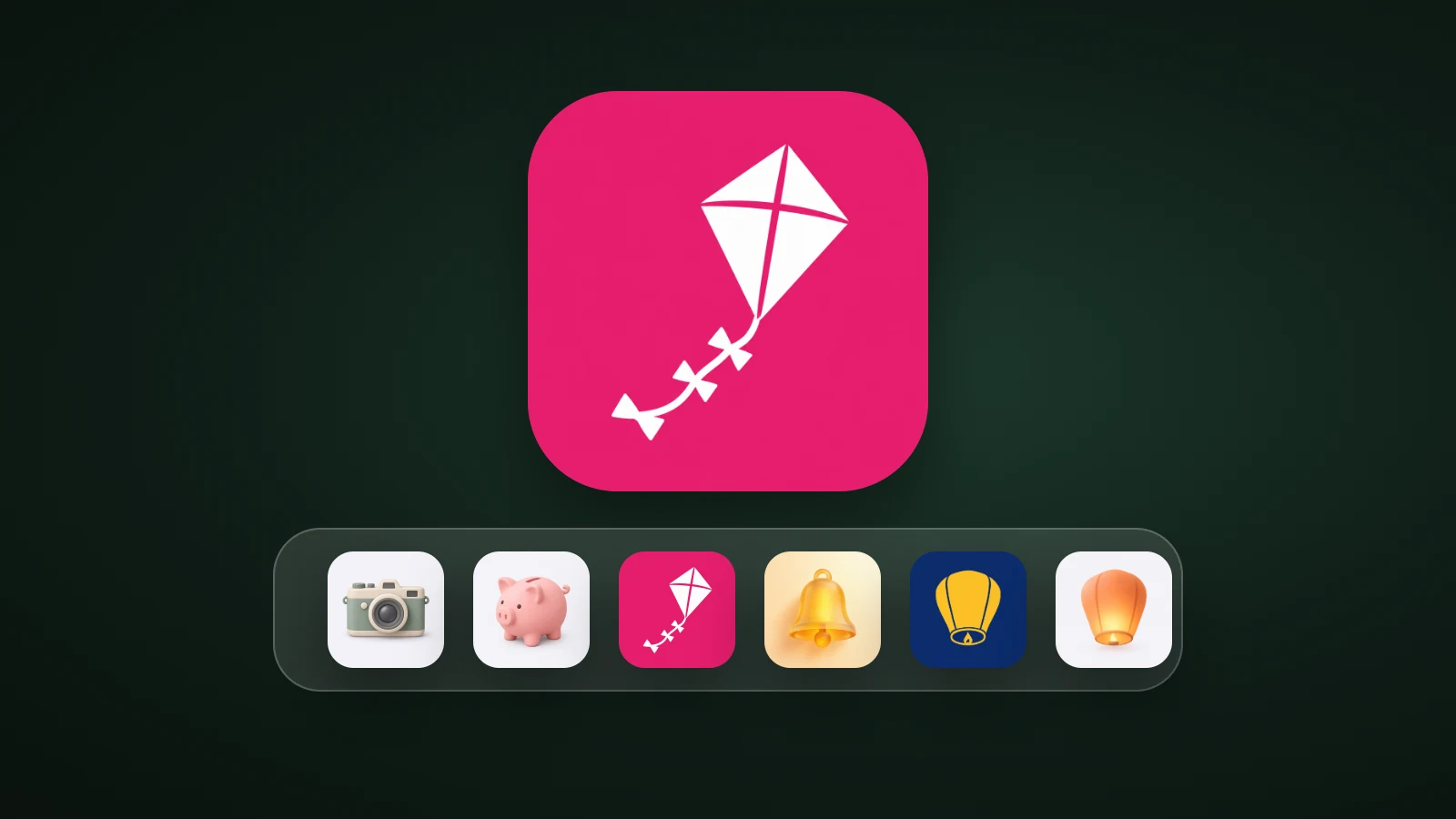
A macOS app icon is now made like an iOS icon: square layers that the system masks into a rounded icon and renders with Liquid Glass. Apple's guidelines say iOS, iPadOS, macOS and watchOS icons include a background layer and one or more foreground layers. You draw the layers unmasked, build the icon in Icon Composer or an Xcode asset catalog, and give Xcode every size: ten slots from 16 to 1024 px, which are only seven different images. In AI Icon Creator's test on macOS 26.5.1, Apple's iconutil turned ten PNGs into one 1.5 MB .icns file.
This guide is for people making an app icon. If you only want to swap the icon of an app on your own Mac, an icon pack is what you need.
What does a macOS app icon look like now?
A macOS app icon is a square design that the system masks to a rounded shape, built from a background layer and foreground layers. Apple's Human Interface Guidelines for app icons say the icon takes on Liquid Glass effects such as specular highlights, refraction and translucency, which adapt automatically with the size of the icon and can look different between system versions.
- Square, unmasked layers. In iOS, iPadOS and macOS, icons are square and the system applies the rounded corners. Apple says providing layers with pre-defined masking hurts the specular highlight effects and makes edges look jagged.
- Several looks. People can choose default, dark, clear or tinted app icons on iOS, iPadOS and macOS. You can design each variant, and the system generates the ones you don't provide.
- Colour. Display P3 wide-gamut colour is available on iOS, iPadOS, macOS, tvOS and watchOS.
Our app icon sizes guide compares the rules for every platform, and our guide to glassmorphism icons explains what Liquid Glass asks of a design.
Which sizes does a macOS app icon need?
A macOS app icon in an Xcode asset catalog needs ten images: 16, 32, 128, 256 and 512 points, each at 1x and 2x. Apple's Xcode documentation says that for macOS you supply an asset for each size, unlike iOS where one 1024 px image is enough. The ten slots need seven different pixel sizes, because some slots ask for the same one.

| Slot | Pixels |
|---|---|
| 16 pt at 1x | 16 |
| 16 pt at 2x | 32 |
| 32 pt at 1x | 32 |
| 32 pt at 2x | 64 |
| 128 pt at 1x | 128 |
| 128 pt at 2x | 256 |
| 256 pt at 1x | 256 |
| 256 pt at 2x | 512 |
| 512 pt at 1x | 512 |
| 512 pt at 2x | 1024 |
For the Mac App Store, Apple says to drag your icon into the App Store - 2x image well. Our Xcode app icon guide lists where the App Store icon goes on every platform.
How do you make a macOS app icon?
To make a macOS app icon, draw a square 1024 px icon or square layers, then build it with Icon Composer or an asset catalog. Icon Composer is Apple's tool for layered Liquid Glass icons, and its page says it requires macOS Tahoe 26.4 or later. An asset catalog works with your own images and gives you full control of every size.

- Draw the icon unmasked. No rounded corners, no baked shadows. A flat, graphic subject makes the cleanest layers; see our Icon Composer guide.
- Pick a route. Icon Composer for a layered icon, or an App Icon set in your asset catalog for your own images.
- Provide every size if you use the asset catalog. One 1024 px master is enough to make all ten.
- Or build an
.icnsfile withiconutil(below). - Check it in the Dock and in Finder lists, and check the App Store icon.
How do you build an .icns file with iconutil?
To build an .icns file, put ten PNGs in a folder whose name ends in .iconset, with Apple's file names, and run iconutil -c icns. Both tools come with macOS: sips resizes images, and iconutil builds the file.
mkdir kite.iconset
sips -z 16 16     icon.png --out kite.iconset/icon_16x16.png
sips -z 32 32     icon.png --out kite.iconset/icon_16x16@2x.png
sips -z 32 32     icon.png --out kite.iconset/icon_32x32.png
sips -z 64 64     icon.png --out kite.iconset/icon_32x32@2x.png
sips -z 128 128   icon.png --out kite.iconset/icon_128x128.png
sips -z 256 256   icon.png --out kite.iconset/icon_128x128@2x.png
sips -z 256 256   icon.png --out kite.iconset/icon_256x256.png
sips -z 512 512   icon.png --out kite.iconset/icon_256x256@2x.png
sips -z 512 512   icon.png --out kite.iconset/icon_512x512.png
sips -z 1024 1024 icon.png --out kite.iconset/icon_512x512@2x.png
iconutil -c icns kite.iconset -o kite.icns

In AI Icon Creator's run on macOS 26.5.1, a 1024 px kite icon resized into the ten files produced a 1,525,788 byte .icns. Converting it back with iconutil -c iconset gave ten images again. When we deleted the 1024 px file and built again, iconutil still succeeded and produced a 630,701 byte file, so the largest image is about 59% of the total. iconutil doesn't insist on all ten, but we'd still provide all ten.
Why does a macOS icon need to work at 16 px?
A macOS icon set includes a 16 px image, the smallest size it asks for, so the design has to stay recognisable when tiny. Detail that looks good at 512 px often turns to mush at 16 px.

In AI Icon Creator's example, a flat kite icon stays a kite at 16 px, while a detailed 3D camera loses its lens rings and highlights at 16 and 32 px. Our guide to keeping an icon legible at small sizes has a checklist.
Try a simple subject in a few styles:
Common macOS app icon mistakes
- Pre-rounded artwork. The system masks the layers; your own rounded corners double the edge.
- Baked shadows and highlights. Liquid Glass adds its own, so leave the lighting to the system.
- A single image for every slot. The asset catalog needs a proper image at each pixel size.
- Tiny details. They vanish at 16 and 32 px.
- Forgetting the App Store icon. The macOS App Store image goes in the App Store - 2x well.
Frequently asked questions
What size is a macOS app icon?
A macOS app icon is a set of ten images from 16 × 16 px to 1024 × 1024 px: 16, 32, 128, 256 and 512 points at 1x and 2x, which come to seven different pixel sizes. Apple's Xcode documentation says macOS needs an asset for each size. Start from a 1024 × 1024 px master and resize it.
Does macOS use .icns files?
macOS apps can use .icns files, a single file that holds the icon at several sizes, and you can build one with the iconutil tool that comes with macOS. In Xcode projects you normally keep the icon in an asset catalog or an Icon Composer file instead, and Xcode prepares the icon for the app.
Do macOS app icons need rounded corners?
macOS app icons shouldn't have rounded corners in your artwork. Apple's guidelines say that in iOS, iPadOS and macOS the icons are square and the system applies the rounded corners, and that providing pre-masked layers hurts the highlight effects and makes edges jagged. Give Xcode a full square.
Can I use the same icon for iOS and macOS?
You can use the same design for iOS and macOS, because both take square layers that the system masks and renders with Liquid Glass. The difference is in the files: iOS can generate every size from one 1024 px image, while macOS needs an image for each of its ten sizes. Check the design at 16 px for the Mac.
How do I make a macOS app icon with AI?
To make a macOS app icon with AI, describe one simple subject for your app, generate it in a few styles, choose the one that stays clearest at 16 px and export a 1024 px square. In AI Icon Creator you can compare styles side by side, then resize the result into the ten sizes or add it to Icon Composer.
Ready to make your Mac icon?