

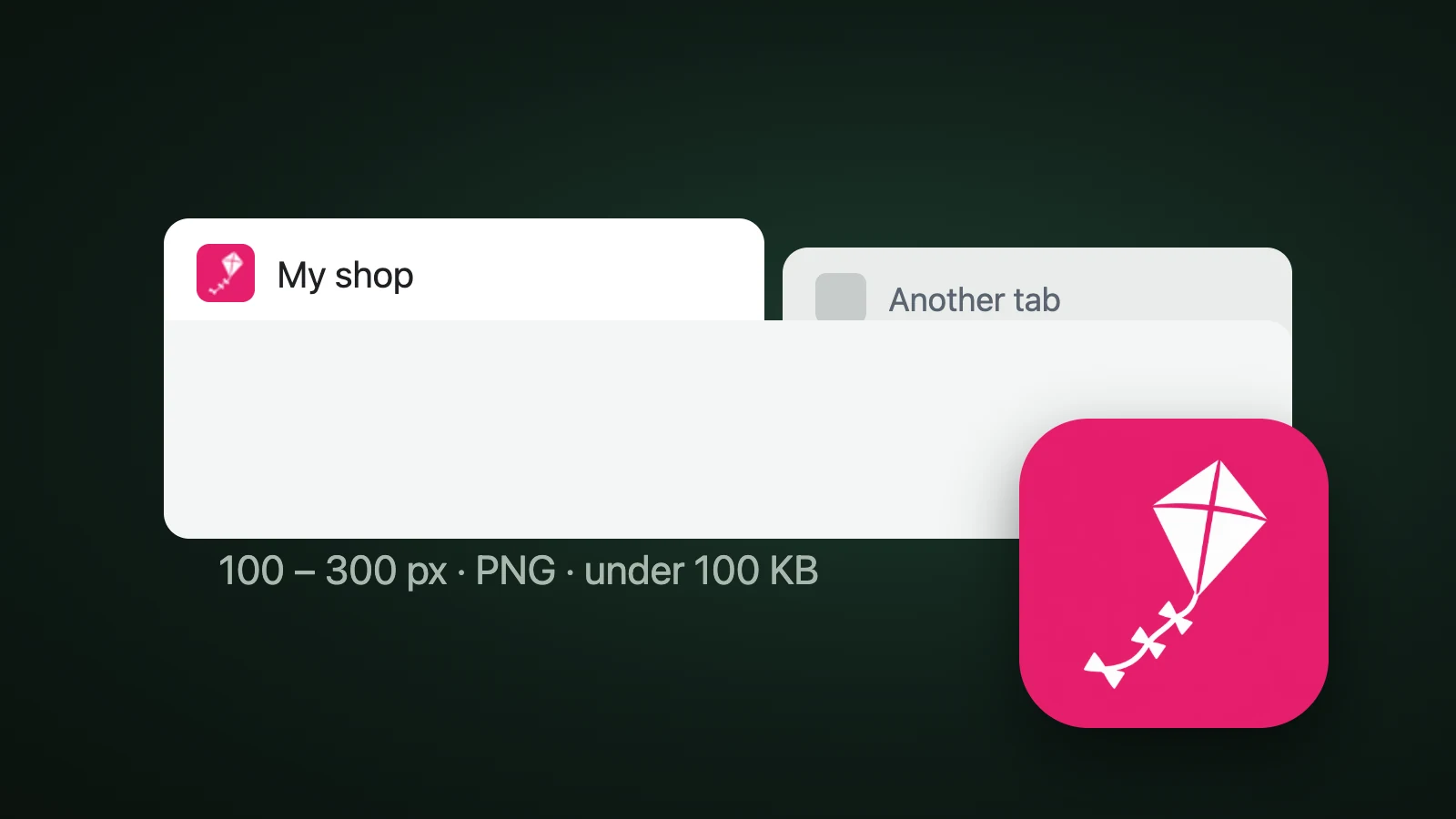
To add a favicon in Squarespace, open the Favicon panel, upload a square PNG between 100 × 100 and 300 × 300 px, and click Save. Squarespace's help page says favicons display at 16 × 16 px but work best across browsers when uploaded in that range, recommends PNG files, and caps the file at 100 KB. You can also add a separate dark-mode version. A 192 × 192 px PNG is a safe choice, because it also meets the 48 px rule that Squarespace says Google applies.
This guide covers the steps, the size and format rules, the dark-mode option and what to check when the favicon doesn't show.
How do you add a favicon in Squarespace?
To add a favicon in Squarespace, open the Favicon panel in your site settings, drag your image into the uploader or click it to choose a file, and click Save. The steps come from Squarespace's help page on adding a favicon or browser icon.

- Make a square PNG, between 100 × 100 and 300 × 300 px and under 100 KB.
- Open the Favicon panel. Squarespace's help page says to open the Favicon panel. In the editor you can also type "Favicon" in the settings search, as some third-party guides describe.
- Upload the image. Drag it into the uploader, or click the uploader and choose the file.
- Optionally add a dark-mode version. Squarespace doesn't allow a dark-mode favicon unless you've added a default one first.
- Click Save. Then check the tab. If it doesn't change at once, clear your browser cache and restart the browser, because browsers hold on to cached favicons.
If you don't add a favicon, every Squarespace site shows Squarespace's default cube icon.
What size and format should a Squarespace favicon be?
A Squarespace favicon should be a square PNG between 100 × 100 and 300 × 300 px and no larger than 100 KB, according to Squarespace's help page. The page says an .icon file can't be uploaded, and that multi-version favicons aren't supported: if your file holds several versions, remove the others and upload a single image.
| Setting | What Squarespace says |
|---|---|
| Image size | Works best from 100 × 100 to 300 × 300 px, though it displays at 16 × 16 px |
| File format | PNG recommended; an .icon file can't be uploaded |
| File size | No more than 100 KB |
| Dark mode | An optional second image, only after a default one |
| Multi-version files | Not supported: upload a single version |
Squarespace's page also says that, for Google, your favicon must be a multiple of 48 × 48 px: 48, 96, 144 and so on. Google's own Search Central page on favicons, which we read on 4 October 2026, doesn't say "multiple of 48". It asks for a square favicon of at least 8 × 8 px, recommends one larger than 48 × 48 px, and lists BMP, GIF, ICO, PNG, JPEG, PPM and TIFF as supported formats. The two pages differ, so choose a size that satisfies both.

Four sizes sit inside Squarespace's range, are larger than 48 px and are multiples of 48: 144, 192, 240 and 288 px. We'd pick 192 × 192 px. Our favicon converter makes a ready 192 × 192 px PNG, named android-chrome-192x192.png, in its set. Our favicon sizes guide explains each size and the minimal set a site needs.
How do you make a dark-mode favicon in Squarespace?
To make a dark-mode favicon in Squarespace, upload your default favicon first, then add the alternate version that displays when visitors view your site in dark mode. Squarespace's own blog says platforms like Squarespace let you upload a favicon for light and dark mode displays.
A dark-mode version matters when your favicon is a single-colour symbol on a transparent background. In AI Icon Creator's mock-up for our Webflow favicon guide, a black symbol measured 21.0:1 against a white tab and 1.30:1 against a dark one, so it vanished, while a mid-tone coloured tile stayed above 3.6:1 on both. If your favicon sits on a coloured tile, you may not need a second version. Our guide to app icon colours shows the same test for Home Screen wallpapers.
Try a symbol on its own coloured tile:
Why is my Squarespace favicon not showing?
A Squarespace favicon usually doesn't show because the browser cached the old one, the browser doesn't display it in that place, or Google hasn't updated its results. Work through these:
- Clear the cache and restart the browser. Squarespace says browsers can be very persistent in holding on to cached favicons.
- Check Safari. Squarespace says Safari shows the favicon when you click the address bar or have several tabs open, and may add a border or background colour to improve contrast, in light or dark mode.
- Don't expect it on phones. Squarespace says the favicon usually doesn't display on mobile browsers.
- Upload a single PNG. Multi-version favicon files and
.iconfiles can't be uploaded. - Check the size for Google. Use a square image larger than 48 × 48 px, such as 192 × 192 px. Google says the favicon URL must be stable and that it can take days to weeks to update.
Because Safari may add its own background to a favicon, a symbol on a solid background gives you more control over how it looks. Our guide to keeping an icon legible at small sizes has a checklist for a 16 px design.
What if you need an ICO file for another tool?
Squarespace wants a PNG, but other tools and some older workflows still want .ico. Our free PNG to ICO converter makes a multi-size .ico from one image, and the SVG to ICO converter handles vector logos. Keep a PNG for Squarespace itself. If you're starting from nothing, our guide on how to make an app icon walks through choosing a simple symbol.
Frequently asked questions
What size should a Squarespace favicon be?
A Squarespace favicon should be a square PNG between 100 × 100 and 300 × 300 px and under 100 KB, according to Squarespace's help page. A 192 × 192 px image fits that range and is also larger than 48 px and a multiple of 48, which covers both Google's recommendation and Squarespace's note about Google.
Does Squarespace support dark mode favicons?
Squarespace supports dark mode favicons. You can add an alternate version of your favicon that displays when visitors view your site in dark mode, but only after you've uploaded a default favicon. If your favicon sits on a mid-tone coloured tile, it may read well on both light and dark tabs without a second version.
Can I upload an ICO file to Squarespace?
You can't upload an .icon file to Squarespace, according to its help page, and it recommends PNG files. Multi-version favicon files aren't supported either, so remove other versions and upload a single image. If your favicon is an ICO, export one size as a PNG, such as 192 × 192 px, and upload that.
Why isn't my Squarespace favicon showing in Google?
Your Squarespace favicon may not show in Google because Google hasn't recrawled your site yet, which can take days to weeks, or because the image doesn't meet Google's rules. Use a square image larger than 48 × 48 px, keep its URL stable, and make sure Google can crawl your home page and the favicon.
How do I make a Squarespace favicon with AI?
To make a Squarespace favicon with AI, describe one simple symbol for your site, generate it in a few styles, choose the one that stays clear at 32 px and export it as a square PNG. In AI Icon Creator you can compare styles side by side, then upload a 192 px PNG in your Squarespace Favicon panel.
Ready to make your favicon?