

To add a favicon in Webflow, upload one square image in Site settings and publish. Since Webflow's May 2026 update, it generates every size from that one image: 32 × 32 and 48 × 48 px favicons, 180 × 180 and 192 × 192 px touch icons and a 256 × 256 px webclip. You can upload PNG, JPG, GIF, ICO or SVG, and add a separate favicon for dark mode. The rest of this guide covers what to upload, how to make the dark version and what to do when Google still shows the old icon.
How do you add a favicon in Webflow?
To add a favicon in Webflow, make a square image, upload it in your site's settings where Webflow asks for the favicon, and publish the site. Webflow's own page on favicons and webclips describes it as uploading one square image, after which Webflow auto-generates all favicon and touch icon sizes.

- Make a square image. Webflow accepts PNG, JPG, GIF, ICO and SVG. Start from at least 256 × 256 px, because that's the largest file Webflow makes (the webclip), and keep the symbol simple.
- Open Site settings and upload it. A Webflow community answer advises adding the favicon in a single location, in the site settings' General tab under Icons, rather than also pasting favicon tags into custom code. Settings labels can change, so check Webflow's current help page if yours differs.
- Add a dark-mode favicon if you need one. The option appears after you upload the light favicon (see below).
- Publish the site, so the new icon reaches your live domain.
- Check the tab, then give Google time (see the last section).
What sizes does Webflow generate?
From one square upload, Webflow generates five files, according to its May 2026 update: a 32 × 32 px favicon, a 48 × 48 px favicon, a 180 × 180 px touch icon, a 192 × 192 px touch icon and a 256 × 256 px webclip. SVG uploads are converted to PNG for browser compatibility.

| File | Size | Where it's used |
|---|---|---|
| Favicon | 32 × 32 px | Browser tabs and bookmarks |
| Favicon | 48 × 48 px | Google Search results |
| Touch icon | 180 × 180 px | iPhone and iPad Home Screens |
| Touch icon | 192 × 192 px | Android Home Screens |
| Webclip | 256 × 256 px | Webflow's shortcut icon |
The 48 × 48 px size matters most for search. Webflow says it generates that size automatically because it's the size Google uses in search results, and Google's favicon guidelines recommend a square favicon larger than 48 × 48 px. Our favicon sizes guide explains each size and the minimal set a site needs.
How do you make a Webflow dark-mode favicon?
Webflow lets you upload a second favicon for visitors using dark mode, and it serves the right one with the browser's prefers-color-scheme setting. Dark-mode favicons matter because the same icon sits on a white tab for some visitors and a dark tab for others, and a single-colour symbol can disappear on one of them.

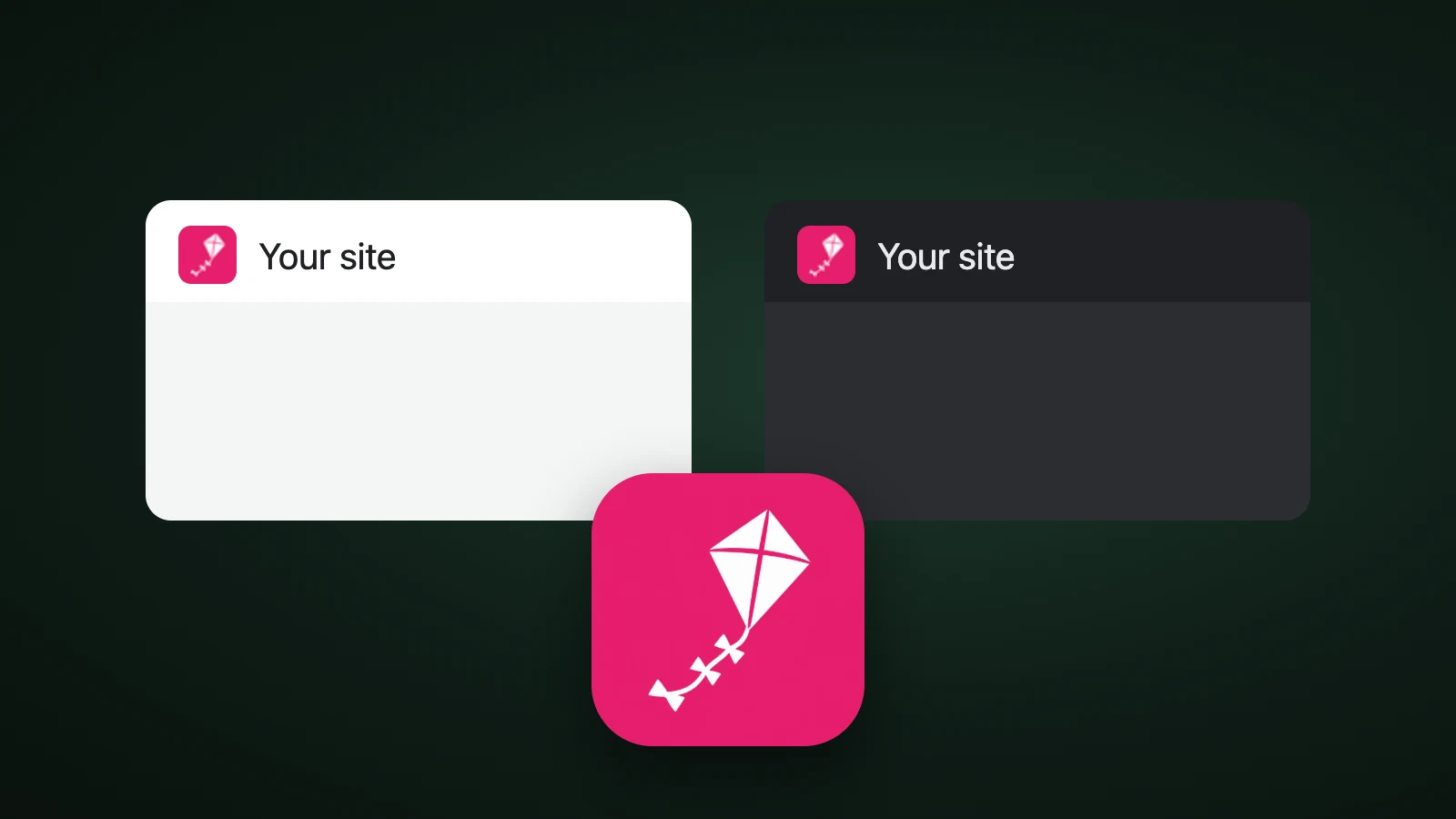
In AI Icon Creator's test, one kite was drawn three ways at 32 px and placed on two mock tabs, a white one and a dark one (#202124; these are our mock values, not measurements from a browser). We measured the contrast between each favicon's outer colour and the tab with the WCAG formula. A mid-tone coloured tile measured 4.43:1 on the light tab and 3.64:1 on the dark one, so it reads on both. A black symbol on a transparent background measured 21.0:1 on the light tab but only 1.30:1 on the dark one. A white symbol measured 1.00:1 on the light tab, which is invisible, and 16.1:1 on the dark tab.
So there are two safe options. Use a favicon with its own mid-tone background, which needs no dark version. Or use a transparent symbol and upload a second favicon with the colours swapped for dark mode. Our guide to app icon colours uses the same test for Home Screen wallpapers.
Try a symbol with its own coloured tile:
Why is my Webflow favicon not showing?
A Webflow favicon usually doesn't show because the browser cached the old one, the site wasn't published, or Google hasn't recrawled your home page. Work through these in order:
- Publish the site and check the live domain, not the Webflow preview.
- Hard-refresh, or open the page in a private window, because browsers cache favicons aggressively.
- Define the favicon in one place. A Webflow community answer on a favicon missing from Google advises adding it in a single location in the site settings, not in several.
- Check Google's rules. Google Search Central asks for a square favicon, at least 8 × 8 px and ideally larger than 48 × 48 px, that Googlebot and Googlebot-Image can crawl at a stable URL. As of our reading, Google doesn't list SVG among the formats it supports for search results, which fits Webflow converting SVG uploads to PNG.
- Wait. Google can take days to weeks to show a new favicon. Requesting indexing of your home page in Search Console can speed it up.
What if you need an ICO file or another size?
Webflow makes the sizes it needs, but you may need a .ico file for another tool, or want to check the PNG before you upload it. Our free PNG to ICO converter makes a multi-size .ico from one image, and the favicon converter makes the whole set, including the touch icons and a web manifest. Our SVG to ICO converter handles vector logos. If you also run a site on another builder, our Squarespace favicon guide covers how it handles favicons.
How do you design a favicon that works at 32 px?
To design a favicon that works at 32 px, use one bold shape with strong contrast and no fine detail. Take the simplest element of your logo, such as a letter, a mark or a symbol, and test it at its real size on a light and a dark tab. Our guide to keeping an icon legible at small sizes has a checklist, and how to make an app icon covers the first steps if you're starting from nothing.
Frequently asked questions
What size should a Webflow favicon be?
A Webflow favicon should be a square image of at least 256 × 256 px, because Webflow resizes it into a 32 × 32 px and a 48 × 48 px favicon, 180 × 180 and 192 × 192 px touch icons and a 256 × 256 px webclip. You don't need to resize it yourself. PNG, JPG, GIF, ICO or SVG files work.
Does Webflow support SVG favicons?
Webflow accepts SVG uploads and converts them to PNG for browser compatibility, according to its May 2026 update. You can still start from an SVG for a sharp result, but the files Webflow serves are PNG.
Can I use a different favicon in dark mode on Webflow?
You can use a different favicon in dark mode on Webflow. After you upload the light favicon in the site settings, a dark-mode option appears, and Webflow serves the right file using the browser's prefers-color-scheme setting. A favicon on a mid-tone coloured tile may not need a dark version.
Why is my Webflow favicon not showing in Google?
Your Webflow favicon may not show in Google because Google hasn't recrawled your home page yet, which can take days to weeks, or because the favicon is defined in more than one place. Publish the site, define the favicon in one place, make sure Google can crawl the home page and the icon, and request indexing in Search Console.
How do I make a Webflow favicon with AI?
To make a Webflow favicon with AI, describe one simple symbol for your site, generate it in a few styles, choose the one that stays clear at 32 px and export it as a square image. In AI Icon Creator you can compare styles side by side, then upload the PNG in your Webflow site settings.
Ready to make your favicon?