

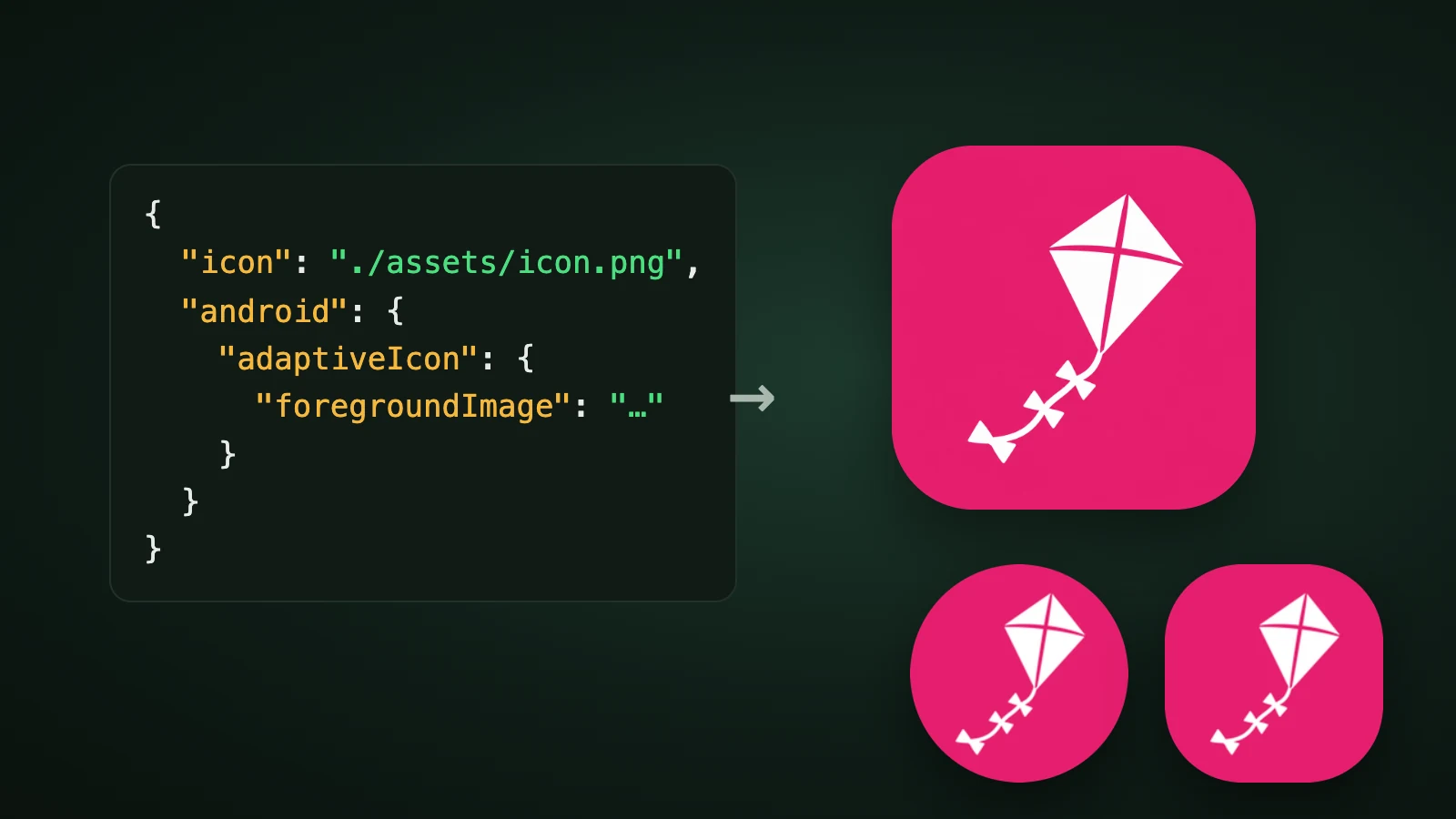
To set an app icon in an Expo project, save a 1024 × 1024 px PNG as assets/images/icon.png and point the icon key in your app config at it. That one file covers iOS and Android, and Expo generates the other sizes. For a proper Android adaptive icon, add android.adaptiveIcon with a foreground image, a background colour or image and a monochrome image. In AI Icon Creator's test with Expo SDK 57.0.26, npx expo prebuild turned those files into 1 iOS icon and 25 Android images plus 3 XML files.
This guide lists the app.json settings, the rules for each platform, how to draw the Android layers and what a real prebuild produced.
How do you set the app icon in Expo?
To set the app icon in Expo, export your icon as a PNG, save it in assets/images, and set the icon property in app.json or app.config.js. Expo's documentation on the splash screen and app icon says Expo uses icon.png by default, so if you use another file name, use that name in the config.
{
  "expo": {
    "icon": "./assets/images/icon.png"
  }
}

Which app.json setting controls which icon?
Expo has five icon settings, and the more specific one overrides the general one. This is how Expo's docs and its app config schema for SDK 57 describe them:

| Setting | What it sets | Notes |
|---|---|---|
icon | The icon for every platform | Expo recommends a 1024 × 1024 px PNG |
ios.icon | The iOS icon | A PNG, an object with light, dark and tinted images, or a path to an Icon Composer .icon folder. Overrides icon |
android.adaptiveIcon | The Android adaptive icon | foregroundImage, backgroundColor or backgroundImage, monochromeImage |
android.icon | A flat icon for older Android versions | A combination of your foreground and background layers |
web.favicon | The favicon of the web build | A small image |
What are the rules for the iOS icon?
The iOS icon must be a PNG that's exactly square and fills the whole square with no rounded corners or transparent pixels. Expo's documentation says 1024 × 1024 px is a good size, that a 1023 × 1024 px icon isn't valid, and that the operating system masks the icon. Projects created with create-expo-app let EAS Build generate the other sizes. Expo's config schema adds that the icon should follow Apple's guidelines for colour profile and transparency.
To give iOS its own dark and tinted icons, set ios.icon to an object:
{
  "expo": {
    "ios": {
      "icon": {
        "light": "./assets/images/ios-light.png",
        "dark": "./assets/images/ios-dark.png",
        "tinted": "./assets/images/ios-tinted.png"
      }
    }
  }
}
Alternatively, from SDK 54, ios.icon can point to a .icon folder made in Apple's Icon Composer, which handles dark mode inside the file. Our Icon Composer guide explains how to make one, and our app icon colours guide shows what dark and tinted modes do to your colours.
How do you make the Android adaptive icon in Expo?
An Android adaptive icon in Expo is made of a foreground image and a background colour or image, plus an optional monochrome image for themed icons. Expo's docs say to use PNG files, to follow Android's adaptive icon guidelines, that the background defaults to white, and that a backgroundImage must have the same dimensions as the foreground image.
{
  "expo": {
    "android": {
      "adaptiveIcon": {
        "foregroundImage": "./assets/images/android-icon-foreground.png",
        "backgroundColor": "#E51E6E",
        "monochromeImage": "./assets/images/android-icon-monochrome.png"
      },
      "icon": "./assets/images/icon.png"
    }
  }
}
The monochromeImage is used when someone turns on Themed icons on Android 13 or later. The android.icon setting is the fallback for older devices without adaptive icons.

Draw the layers for the safe zone. An adaptive layer is a 108 × 108 dp canvas of which about 72 dp is visible, and Android recommends keeping the logo inside the central 66 dp. In AI Icon Creator's test, the kite was scaled to 61% of a transparent 1024 px canvas, which puts it inside that zone; the layers under a circle mask lost nothing. Our guide to Android adaptive icons explains the numbers.
What does expo prebuild generate?
npx expo prebuild writes the native icon files into the ios and android folders from your config. AI Icon Creator ran it on a new create-expo-app project with Expo SDK 57.0.26, using the settings above.

- iOS: one file.
App-Icon-1024x1024@1x.png, 1024 × 1024 px, inAppIcon.appiconset, declared as a single universal icon. - Android: 25 WebP images. Five densities, mdpi to xxxhdpi. The launcher and round icons are 48, 72, 96, 144 and 192 px. The foreground, background and monochrome layers are 108, 162, 216, 324 and 432 px, which are the 108 dp layer at each density.
- Android XML. The adaptive icon files in
mipmap-anydpi-v26reference the background, foreground and monochrome layers directly, with no extra inset, and a background drawable is added. That's why the safe-zone padding has to be in your own artwork.
The new project's default template had already set both backgroundColor and backgroundImage; per Expo's schema, a background image overrides the colour. Its default assets were a 1024 px icon.png, 512 px foreground and background layers and a 432 px monochrome layer.
Common Expo icon mistakes
- A non-square or transparent iOS icon. It must be exactly square and fill the whole canvas.
- A foreground that fills the canvas. The mask will trim it. Keep the subject inside the 66 dp safe zone.
- A background image of a different size. It must match the foreground's dimensions.
- Editing the icon and not rebuilding. The native icons are generated at prebuild, so rebuild after every change.
- Text in the icon. It's unreadable at small sizes, and Apple's guidelines advise against unnecessary text.
How do you make the icon file?
To make the icon for an Expo app, generate one simple subject, choose a flat style so the foreground separates cleanly, and export it at 1024 px. Our step-by-step guide on how to make an app icon covers it, and our Ionic app icon guide shows the same job for Capacitor projects. In AI Icon Creator you can compare a few styles of the same subject:
Frequently asked questions
How do I set the app icon in an Expo app?
To set the app icon in an Expo app, save a 1024 × 1024 px PNG, for example assets/images/icon.png, and set "icon": "./assets/images/icon.png" in your app config. Expo uses that image for iOS and Android and generates the other sizes. Use ios.icon and android.adaptiveIcon when you need platform-specific icons.
What size should an Expo app icon be?
An Expo app icon should be a 1024 × 1024 px PNG, according to Expo's documentation and app config schema. On iOS it must be exactly square, with no rounded corners or transparent pixels. Expo generates the smaller sizes. In our run, prebuild wrote a 1024 px iOS icon and Android launcher icons from 48 to 192 px.
How do I make an adaptive icon in Expo?
To make an adaptive icon in Expo, set android.adaptiveIcon with a foregroundImage PNG and a backgroundColor or backgroundImage, and add a monochromeImage for themed icons. Draw the foreground on a transparent canvas with the subject inside the central 66 dp of the 108 dp layer, so round masks don't trim it.
Can I use an Icon Composer file in Expo?
You can use an Icon Composer file in Expo from SDK 54 onwards, by setting ios.icon to the path of the .icon folder, for example ./assets/app.icon. Icon Composer handles the dark appearance inside the file, so you don't need to provide separate dark and tinted images. Android still uses its own adaptive icon settings.
How do I make an Expo app icon with AI?
To make an Expo app icon with AI, describe one simple subject for your app, generate it in a few styles, choose the one that stays clearest at 32 px and export it at 1024 px. In AI Icon Creator you can compare styles side by side, then use the square icon for icon and a flat version's layers for Android.
Ready to make the icon for your Expo app?