
Icon style
Liquid Glass style app icons
30 free credits on sign-up (about 3 icons) · no card needed
Liquid Glass style app icons are app icons that imitate the look of Apple's Liquid Glass material: tinted, frosted glass with a soft glow inside. AI Icon Creator's Coloured frosted glass style makes one from a short description of your subject, as a single flat PNG. It is not Apple's layered icon format, and the picture does not move or react to light.
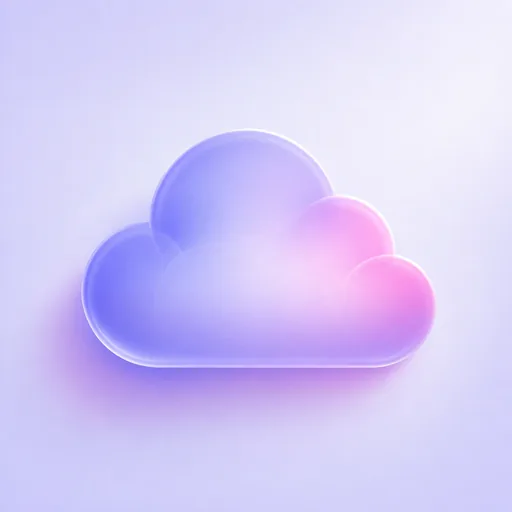
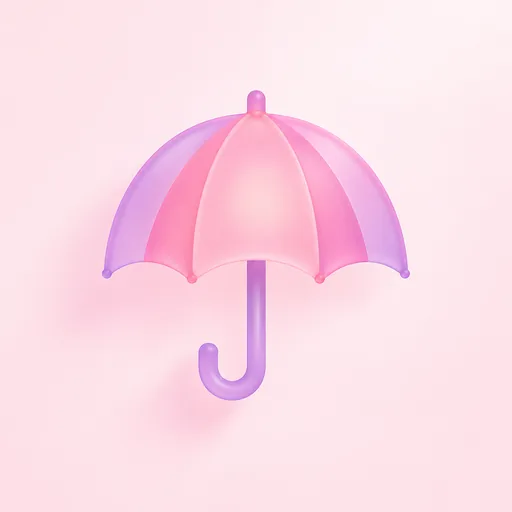
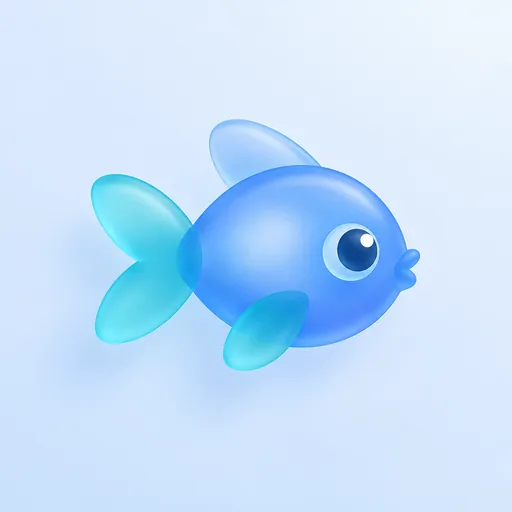
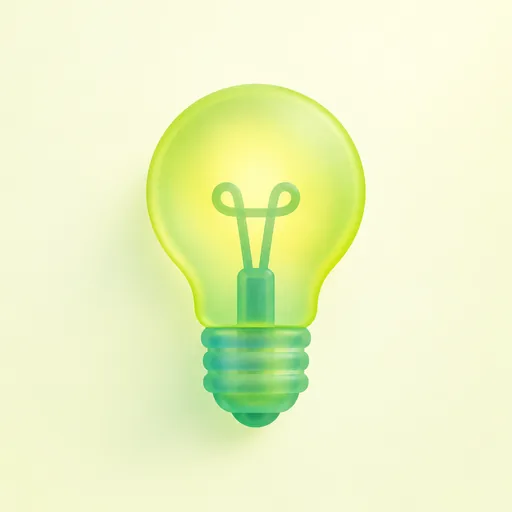
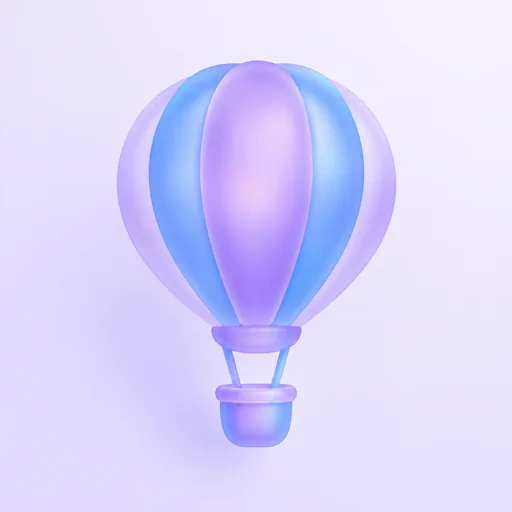
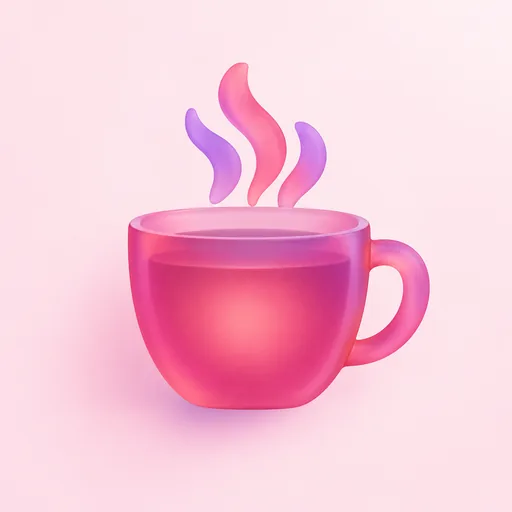
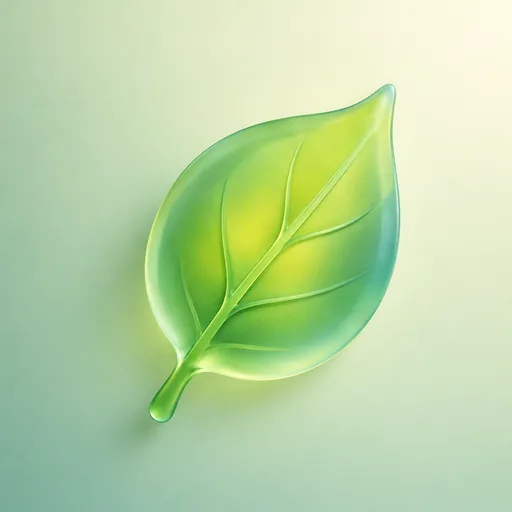
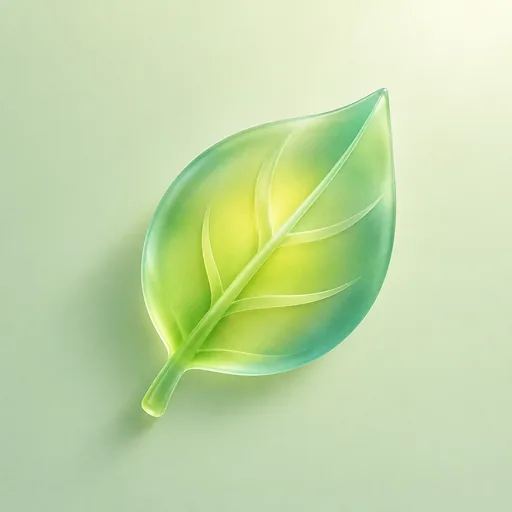
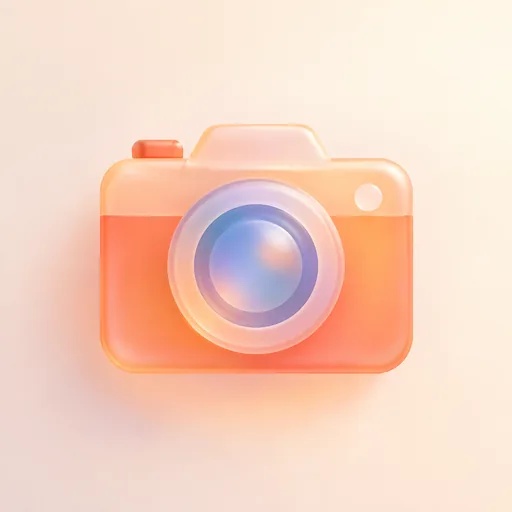
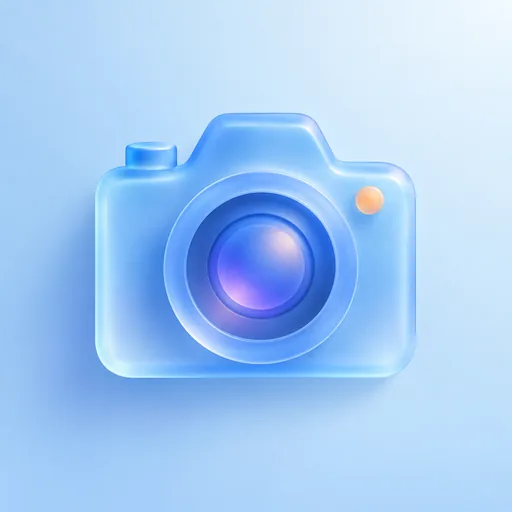
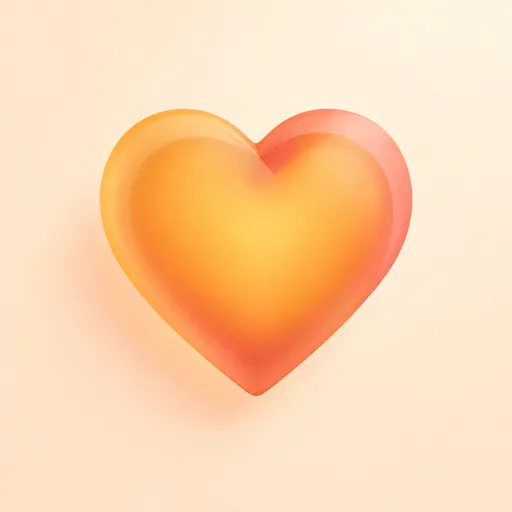
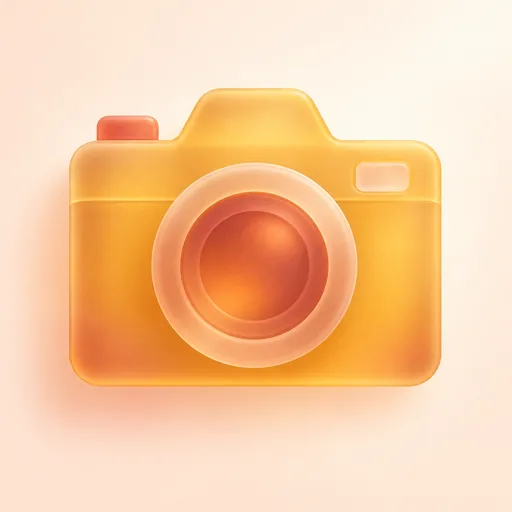
The examples below show a cloud, an umbrella, a fish, a light bulb, a hot-air balloon, a steaming cup, a heart, a leaf and a camera. Each is a single subject in soft, glossy glass on a smooth pastel background in lavender, pink, blue, pale yellow, green or cream, with a soft shadow in its own colour. Most glow lighter in the middle, and you can see the bulb's filament and the leaf's veins through the glass.
The style suits weather, travel and photo apps. Choose one object with a bold, simple outline and a deep main colour, like the heart, the cup or the camera. Use the PNG as it is: the app icon pack turns it into iOS, Android and web files, and Apple's Shortcuts app can use it as a Home Screen shortcut's picture. For Apple's own layered icons, see our Icon Composer guide. For the wider story of the look, read our guide to glassmorphism icons.
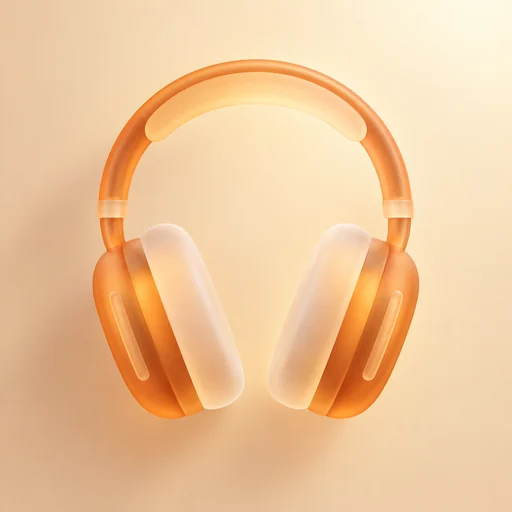
Icons made with the Coloured frosted glass style
Every example was made with this style. Click one to start with the same look.
How to make Liquid Glass style app icons with AI
In the studio, a glass icon takes three steps: describe a subject, choose a Glass palette, then check it small and download.
- 01
Describe one subject
Name one object, and add a detail only if it changes the outline: “a camera”, “a steaming cup” or “an umbrella with a hooked handle”. The studio suggests “a camera” for this style. Leave colours and backgrounds out, because the palette sets them.
- 02
Choose a Glass palette
Leave Glass palette on Auto and the AI picks the glass and background colours each time, or choose a preset: Warm amber, Cool teal, Sakura, Lavender, Ocean, Berry, Lime or Twilight. A preset fixes the colours: a background plus main, accent and light glass colours. There are no separate foreground and background pickers, because the colours stay linked to keep the frosted depth.
- 03
Check it small, then download
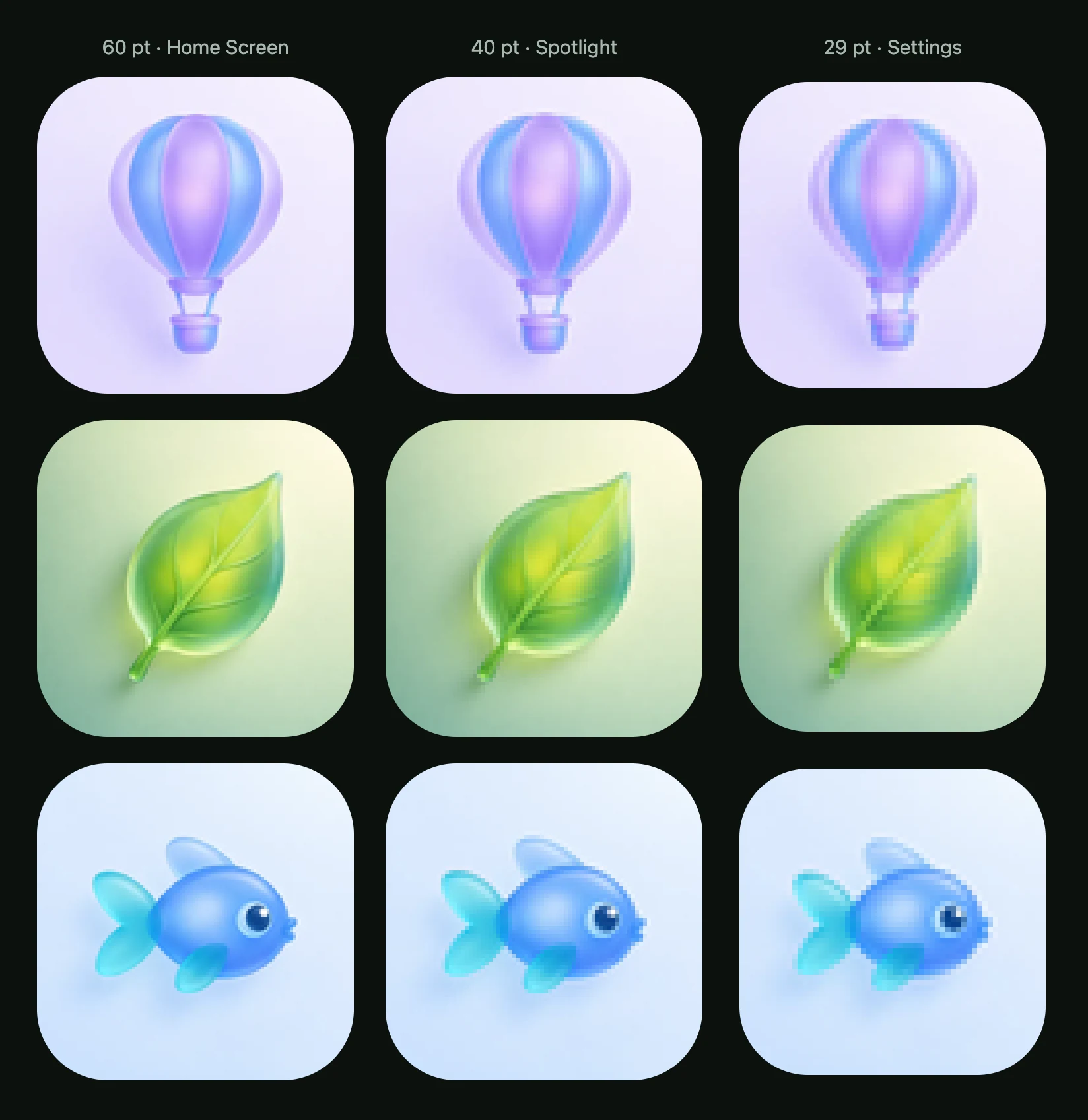
Check the icon at real sizes before anything else, down to the 29 pt Settings size: the colour and glow hold, but thin rims and tiny accents fade. If one part is wrong, select just that area and ask for a change; each edit is saved as a new version. Then download the PNG, or the app icon pack with iOS, Android and web files; how to download and export your icon explains each one.
Liquid Glass style app icons: common questions
What are liquid glass app icons?
In Apple's sense, liquid glass app icons are layered icons that the system renders with its Liquid Glass material, adding effects such as reflection, refraction, shadow, blur and highlights to each layer (Apple's guide to adopting Liquid Glass). The Coloured frosted glass style makes the look, not the layers: one flat PNG of tinted, softly glowing glass.
Can AI make a Liquid Glass app icon?
AI Icon Creator can make an icon in a similar translucent glass look, but not Apple's layered version. The Coloured frosted glass style gives you a flat PNG with a translucent, glossy glass look; it does not move or react to light, and it is not an Icon Composer file. Apple's version is layers that respond to lighting, and on the iPhone Home Screen light moves along an icon's edge as the phone moves (Apple's WWDC25 session).
Can I use my icon in Icon Composer?
A glass icon can go into Icon Composer as a PNG layer, but it is a poor source for layers. Apple's guidance is to let the system handle blur and other effects rather than building them into the design, and these icons have highlights, a soft shadow and a gradient painted in, so they could end up lit twice. For layers, start from a flat style, as our Icon Composer guide explains.
Do liquid glass style icons stay readable at small sizes?
Glass icons stay readable at iPhone icon sizes, but their finest details fade. In AI Icon Creator's real-size check, we shrank the twelve approved icons to 60, 40 and 29 pt, the sizes for the Home Screen, Spotlight and Settings. At 29 pt every subject was still clear and the glow held, but thin rims, the balloon's ropes and the leaf's veins thinned to hairlines, and the fish's pale top fin was the faintest part.
Which glass palette should I pick?
Start with Auto, then fix a Glass palette once you like the colours. Auto lets the AI choose the glass and background colours each time; a preset fixes them, so icons for one app can match. Choose by depth: in the examples, the deep pink cup, the orange heart and the amber camera stay boldest at 29 pt, while pale glass on a pale background fades first. Try two palettes on one subject.
Can I get an SVG of a liquid glass style icon?
No, SVG is not offered for glass styles, because glass does not convert cleanly into vector shapes. You can download the PNG, which is one flat picture rather than separate layers, or the app icon pack with iOS, Android and web files, and both are always free to download. How to download and export explains each file.
Which apps suit liquid glass style icons?
Weather, travel and photo apps suit this style, which is the use the studio lists for it. A cloud, an umbrella and a hot-air balloon fit weather and travel apps, and a camera fits a photo app, as in the examples. More broadly, glass suits calm, light apps, as our glassmorphism guide explains.
Is there a free liquid glass icon maker?
Yes, AI Icon Creator's Coloured frosted glass style is free to start: sign up for free credits, no card needed, and each icon's credit cost shows before you generate. Describe one subject, pick a palette and download the PNG or the app icon pack, which are always free to download. How credits work lists what uses credits.
Related styles
Further reading
- Glassmorphism: What It Is and How to Design Glass IconsWhat is glassmorphism? Frosted glass design explained: how it works, a blur and contrast test, how it differs from Liquid Glass, and how to design glass icons.
- Icon Composer Guide: How to Make a Liquid Glass App IconApple's Icon Composer explained: what it does, what you need, how to prepare SVG or PNG layers, set Default, Dark and Mono looks, and add the icon to Xcode.
- 3D App Icons: How to Make Them and What to AvoidHow to make a 3D app icon: four materials compared at real sizes, the lighting that makes them look right, three ways to build one, and a contrast trap.
- How to Keep an App Icon Legible at Small SizesHow to keep an app icon legible at small sizes: where icons shrink to 20–40 px, three quick tests, and fixes for thin lines, narrow gaps, detail and contrast.