

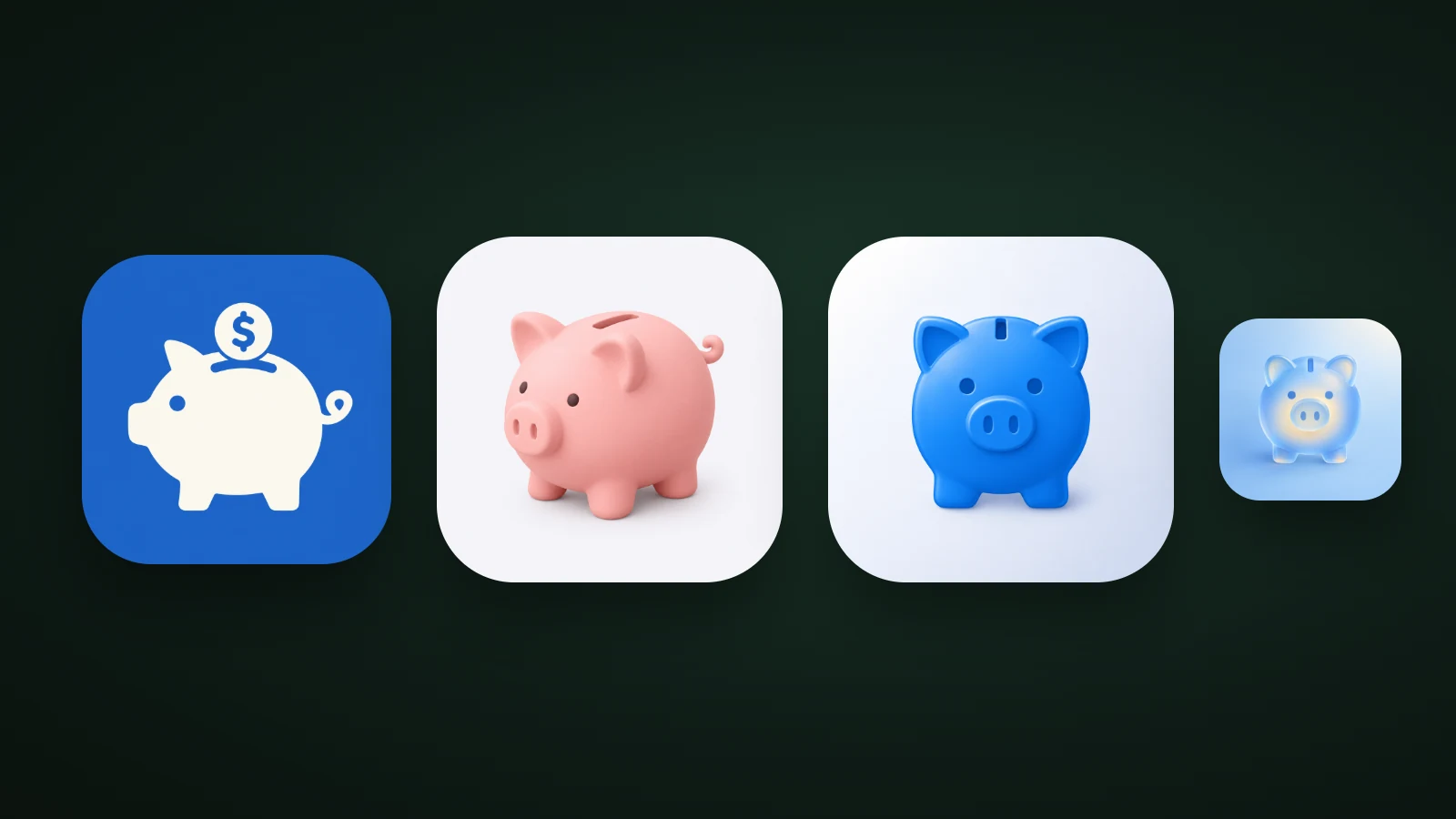
You can get an app icon in four ways: hire a designer, use an AI generator, use a template icon maker, or design it yourself. Hire a designer when the icon has to be a distinctive, long-lived brand mark. Use an AI generator when you're early, exploring ideas or don't have a designer. The best route for many apps is a mix: explore with AI, then hand the winning direction to a designer or refine it yourself.
This guide compares the options, says when each one fits, and gives you a one-page brief that works for a designer or an AI tool.
What does an app icon designer do?
An app icon designer turns your app's purpose into one simple, recognisable image and delivers it in the formats each store needs. The drawing is only part of the job. A professional typically covers:
- The idea: choosing the subject, metaphor and style that fit your app and your category. Our guide to icon metaphors explains this step.
- The master file: a 1024 × 1024 px square, with the artwork placed for the platform's masks. See our app icon sizes guide.
- Layers and variants: on Apple platforms, layered icons that the system renders with Liquid Glass in default, dark and tinted looks; on Android, adaptive icon layers. Apple's Icon Composer is the tool for building layered icons from a single design.
- Testing: small sizes, light and dark wallpapers, and comparison with competitors.
Four ways to get an app icon
Each way to get an app icon trades control, speed and originality differently:

- Hire a designer. A freelancer, an agency or a design contest gives you a custom mark and a point of view, and a good designer can build a whole brand around it. It's slower, and the result depends on the person you pick.
- Use an AI generator. You describe the subject and choose a style, and you get many options in minutes. It's the fastest way to explore, but you judge the results yourself, and some fixes, such as exact letterforms or a matching brand system, still need a human.
- Use a template icon maker. Templates are quick, but they limit you to shapes many other apps use, so the icon tends to look like everyone else's. They suit placeholders and prototypes.
- Do it yourself. In Figma, Sketch or Icon Composer you have full control and no hand-off, but you need design skill and the discipline to stop adding detail.
Costs vary widely, by designer, scope and deliverables, so a fixed comparison would mislead. The practical way to compare is to ask each option for what you'd get: how many concepts, how many revisions, which files and who owns the result.
When to hire an app icon designer
Hire an app icon designer when the icon is part of a brand that needs to be distinctive, consistent and defensible over years. A designer is the better choice when:
- You need a full brand system, including a logo, colours, a mascot and marketing art that must match the icon.
- The icon must reproduce an existing logo or letterform exactly. Precision work like this is a human strength.
- You want a hand-crafted illustration, or a set of related icons drawn together.
- You need layered source files for iOS and Android made to the platforms' rules, and someone accountable for them.
- The stakes are high: a well-funded launch, a large existing audience, or a category where every competitor is polished.
When an AI icon generator is enough
An AI icon generator is enough when speed and exploration matter more than a custom brand system. It's a good fit when:
- You're early. You don't yet know your brand, and you want to see options before spending on custom work.
- You're a solo developer or a small team with no design budget for a first release.
- You want to test ideas. Generating the same subject in several styles is a fast way to find what reads best. Our guide to icon styles shows how different styles change the result.
- You need placeholders for a prototype or beta, or many variants for store experiments.
Try a few directions for a subject of your own and see which ones you'd want to keep:
AI results still need your judgement. Check that the icon works as a silhouette, reads at 32 px, has at least 3:1 contrast and doesn't resemble a well-known app. Our guides to app icon design best practices and keeping an icon legible at small sizes give you the tests.
The hybrid: explore with AI, finish with a designer
The hybrid workflow uses AI to explore many directions cheaply, and a designer to refine the direction you choose. It gives a designer a stronger starting point than a vague description, and it saves you paying for exploration.

- Write a short brief. See the template below.
- Explore concepts with AI. Generate the same subject in several styles and compare them side by side.
- Pick a direction that reads best at 32 px and fits your category.
- Hand it over. Share the winner as a reference. AI Icon Creator can also export an icon as SVG and layered PSD files, on Pro and Max plans and credit packs, so a designer can work from real layers.
- Test and ship. Check it small and on light and dark wallpapers, then export every size.
If you already have a logo or a photo, our photo to app icon tool can turn it into a first draft to react to.
How to brief an app icon designer
A good brief gets you a good icon in fewer rounds, whether it goes to a designer or to an AI tool. One page is enough:

- What the app does, in one sentence, and who it's for.
- Three feeling words, such as calm, trustworthy, simple.
- Competitors: screenshots of the top five icons in your category, so the designer knows what to differ from.
- Likes and dislikes: three icons you like and one you don't, with a reason for each.
- Must-haves: any fixed colour, mascot or initial.
- Deliverables: a 1024 px master, layers for iOS and Android, and the 512 px Google Play icon.
- Rights and files: who owns the result and which source files you receive.
- Rounds and dates: how many revisions, and when you need it.
How to judge an app icon, from anyone
Judge an app icon by testing it, not by whether you like it. Whoever made it, run the same checks:
- Silhouette: fill it with black. Can you still tell what it is?
- Small size: view it at 60, 40 and 20 px, and in greyscale.
- Contrast: at least 3:1 between the subject and the background. Our guide to app icon colours shows how to measure it.
- Category: put it next to the top apps in your category. It should look different from them, but still suggest the category.
- Files: check that you received every size and format you asked for.
Who owns the icon?
Ownership depends on how the icon was made, so settle it in writing before you use it. With a designer, agree in the contract who owns the final artwork and which files you receive. With an AI tool, read the terms: in AI Icon Creator, the icons you create are yours to use commercially under our terms of service. Whether an AI-generated icon can be protected by copyright varies by country, and we can't guarantee it, so if exclusive ownership of the mark matters to your business, get legal advice whichever route you choose. Our help article on commercial use and copyright has the details.
Frequently asked questions
Should I hire a designer or use AI for my app icon?
Hire a designer if your icon must be a distinctive brand mark that lasts, or you need a full brand system. Use an AI generator if you're early, exploring, or have no design budget. Many teams do both: they explore with AI, then give the winning direction to a designer for a custom finish.
How much does an app icon designer cost?
The cost of an app icon designer varies widely with experience, scope and deliverables, from a single icon to a full brand system. To compare quotes fairly, ask each designer for a fixed price that lists the number of concepts, the revisions, the file formats and who owns the final artwork.
Can AI replace an app icon designer?
AI can replace a designer for exploring ideas, making early versions and testing styles, but not for everything. Custom brand systems, exact logo reproduction and hand-crafted illustration still benefit from a human designer. For many small apps, an AI-made icon that passes the small-size and contrast tests is enough to launch.
What should I give a designer to design my app icon?
Give a designer a one-page brief: what your app does, three feeling words, screenshots of competitors' icons, examples you like and dislike, any fixed colour or mascot, the files you need, who owns the result, and your deadline. The more specific the brief, the fewer revision rounds you need.
Can a designer improve an AI-generated icon?
A designer can improve an AI-generated icon: they can use it as a reference for a redraw, or work from SVG or layered PSD exports to fix shapes, add a brand-specific detail and prepare layers for iOS and Android. Sharing the AI concept also tells the designer exactly what direction you want.
Try a few directions for your own app before you brief anyone: