
Icon style
Cute app icons
30 free credits on sign-up (about 3 icons) · no card needed
Cute app icons are app icons drawn as friendly characters: a large, soft shape, a thick dark outline, flat colour and a simple face, on a plain colour background. In AI Icon Creator, the Playful characters style makes a new one from a few words about your subject. You pick one of two looks, Minimal or Lively, and use the result on your iPhone Home Screen or in your own app.
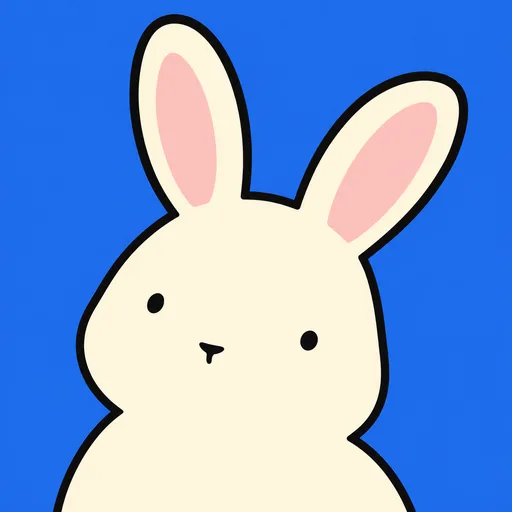
In the examples below, Minimal draws a teapot and a rabbit as cream shapes with two dot eyes and a tiny mouth or nose, on bright blue or golden yellow. Lively adds colour and expression: a blue desk lamp with a smile and a warm glow, a purple hippo on teal and a red panda with cream markings on green. Every example is an original character, cropped in close so that it fills the frame.
Icons like these suit games, social apps and playful utilities, where a friendly face can stand for the whole app. They also suit a matching set on your iPhone Home Screen. Choose a subject with a clear outline, such as a teapot with a spout and handle or a rabbit with long ears. This is not a ready-made icon pack: each icon is new. For a calmer, line-drawn Home Screen, see aesthetic app icons.
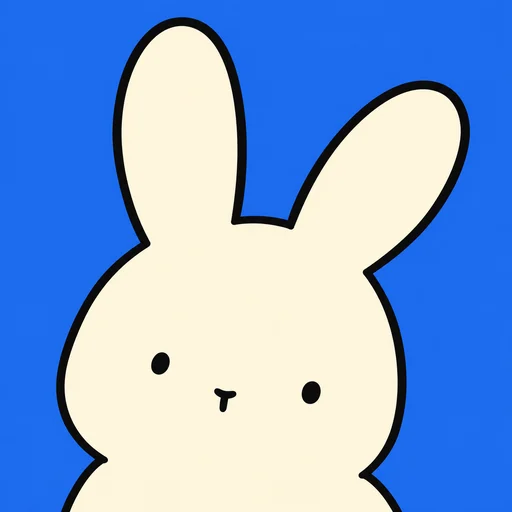
Cute icons in the Minimal and Lively looks
Every example was made with this style. Click one to start with the same look.








How to make cute app icons with AI
Three steps make a cute icon: say what to draw, choose Minimal or Lively, then judge it at small size and download. Apple's Shortcuts app can then put it on your iPhone Home Screen; the steps are in the questions below.
- 01
Describe one character
Describe an animal or an everyday object with a clear outline, such as “a rabbit with long ears” or “a desk lamp with a bent arm”. The studio's own example is “a close-up of an original anthropomorphic teapot with spout, handle and lid, tiny features”. Leave colours out, because each look handles them (how to describe a subject).
- 02
Pick a look
Choose Minimal for simple shapes with tiny faces, or Lively for more colour and a livelier face. Minimal picks its colours automatically and changes them each time; open Advanced settings to fix a subject colour and a background colour. You can try both looks on the same subject before you decide.
- 03
Check it small, then download
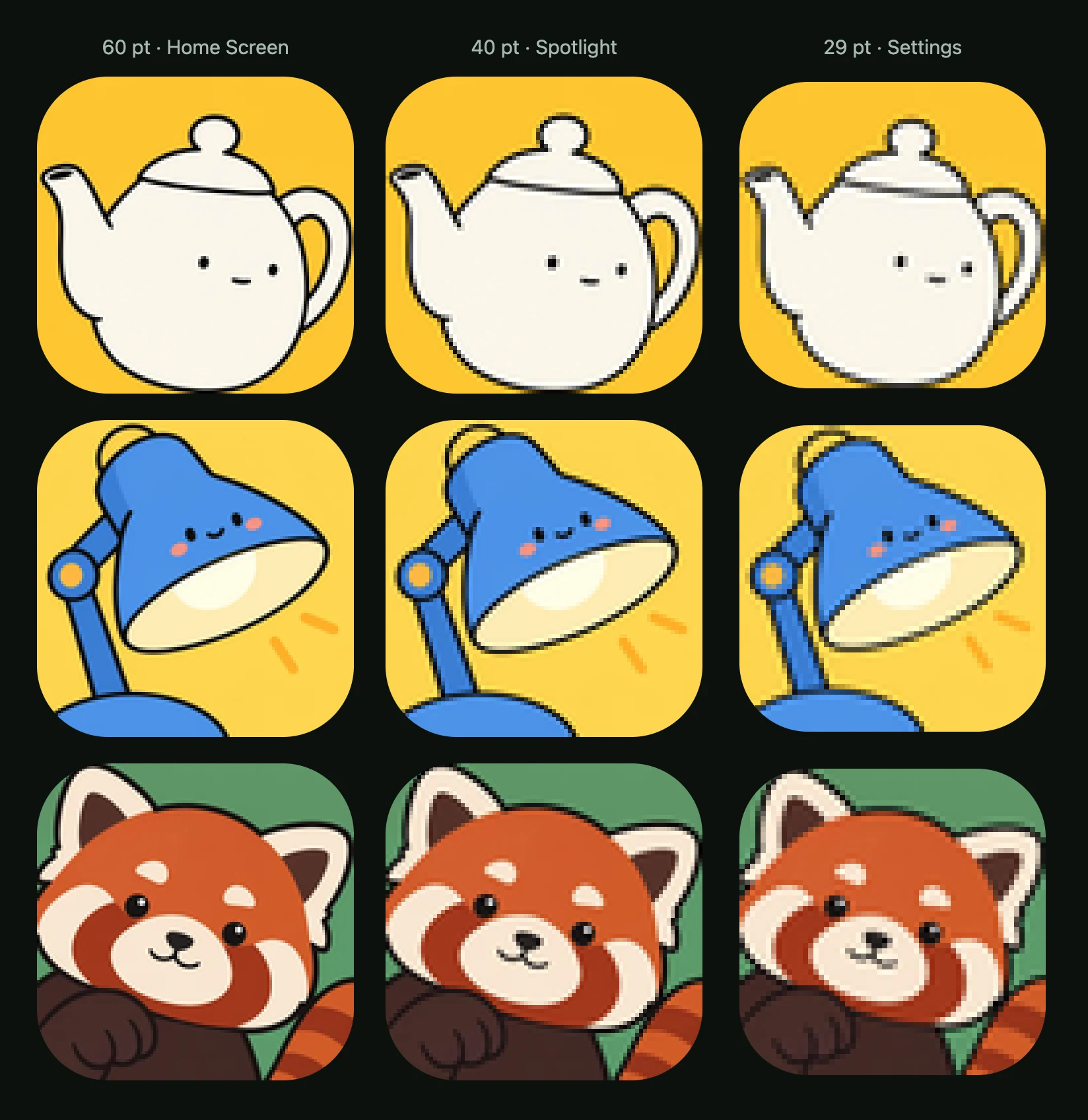
Open the icon from My icons and use Check at real sizes, because an iPhone shows icons at 60 pt on the Home Screen, 40 pt in Spotlight and 29 pt in Settings. The outline should still say what it is when the face details shrink to specks; if the face is too faint, select just the face and describe what you want different. Download the PNG, or the app icon pack if you are shipping an app (download and export).
Cute app icons: common questions
What are cute app icons?
Cute app icons are app icons that look like friendly characters. In the examples on this page, every icon has a large, soft shape, a thick dark outline, flat colour and a simple face. The faces run from a teapot's two dot eyes and tiny smile to a red panda's shiny eyes and cream cheeks. Each icon sits on a plain colour background and fills most of the frame.
How do I make cute app icons for my iPhone?
To make cute app icons for your iPhone, make one icon per app, then add each with Apple's Shortcuts app. For a matching set, use Minimal, fix one subject colour and one background colour, and change only the subject. In Shortcuts, create a shortcut that opens the app, open its Details, choose Add to Home Screen, tap the icon in Name and Icon, select your PNG with Choose Photo or Choose File and tap Add (Apple's guide).
Can I choose the colours of cute app icons?
You can choose the colours of cute app icons in the Minimal look, but not in Lively. Minimal picks colours automatically and changes them each time. In Advanced settings you can set a subject colour (Cream, Butter, Peach or Ice blue) and a background colour (Bright blue, Tangerine, Emerald or Violet). Cream on Bright blue matches the style's thumbnail in the studio. Lively picks its own colours and has no colour controls.
Do cute app icons stay readable at small sizes?
Cute app icons keep their shapes at small sizes, but the details of their faces shrink to specks. In AI Icon Creator's real-size check, we shrank the ten approved icons to 60, 40 and 29 pt. Every face still read at 40 pt. At 29 pt the teapots' eyes were one or two pixels wide on a 2x screen and their smiles faint dashes; one lamp's blush marks became two pink dots. All ten shapes still read.
Which apps suit cute app icons?
Cute app icons suit games, social apps and playful utilities, where a friendly character can stand for the whole app. Characters were the most common subject in our review of top game icons; the game app icon design guide has the details. If your app is calm, serious or financial, compare plainer styles first with how to choose an app icon style.
What does kawaii mean for app icons?
Kawaii is the Japanese word for “cute”, and in English it also names a style of cuteness. Cute app icons from this style share that spirit, with large, soft shapes and simple faces. But the Playful characters style does not copy any existing character or brand: it draws new characters from your description, and the examples on this page are original.
Is there a free cute app icon maker?
Yes, AI Icon Creator can make cute app icons for you, and it is free to start: sign up for free credits, no card needed, and each icon's credit cost shows before you generate. Pick Minimal or Lively and describe one subject. Downloading the PNG or the app icon pack is always free. How credits work lists what uses credits.
Related styles

Further reading
- Game App Icon Design: What Works, With Data From the Top 100Game app icon design: what the top 100 US free games show, how game icons differ from app icons, four icon ideas by genre, and how to test your own.
- How to Keep an App Icon Legible at Small SizesHow to keep an app icon legible at small sizes: where icons shrink to 20–40 px, three quick tests, and fixes for thin lines, narrow gaps, detail and contrast.
- How to Choose an App Icon Style: Flat, 3D, Glass or Mascot?How to choose an app icon style: which of flat, soft 3D, glass, metal or character icons fits your app, audience and category, with side-by-side examples.
- App Icon Metaphors: How to Choose What Your Icon ShowsHow to choose an app icon metaphor: four types from literal to character, a silhouette and 32 px test, and how to avoid dated or confusing symbols.